UI Packs / Unity
Aegis
Space GUI
Sci-fi UI for space strategy, 4X, RPG and tactics games.
Dark navy panels, cut corners and thin frames, with orange and cyan accents. Procedural elements that are easy to customize and recolor.
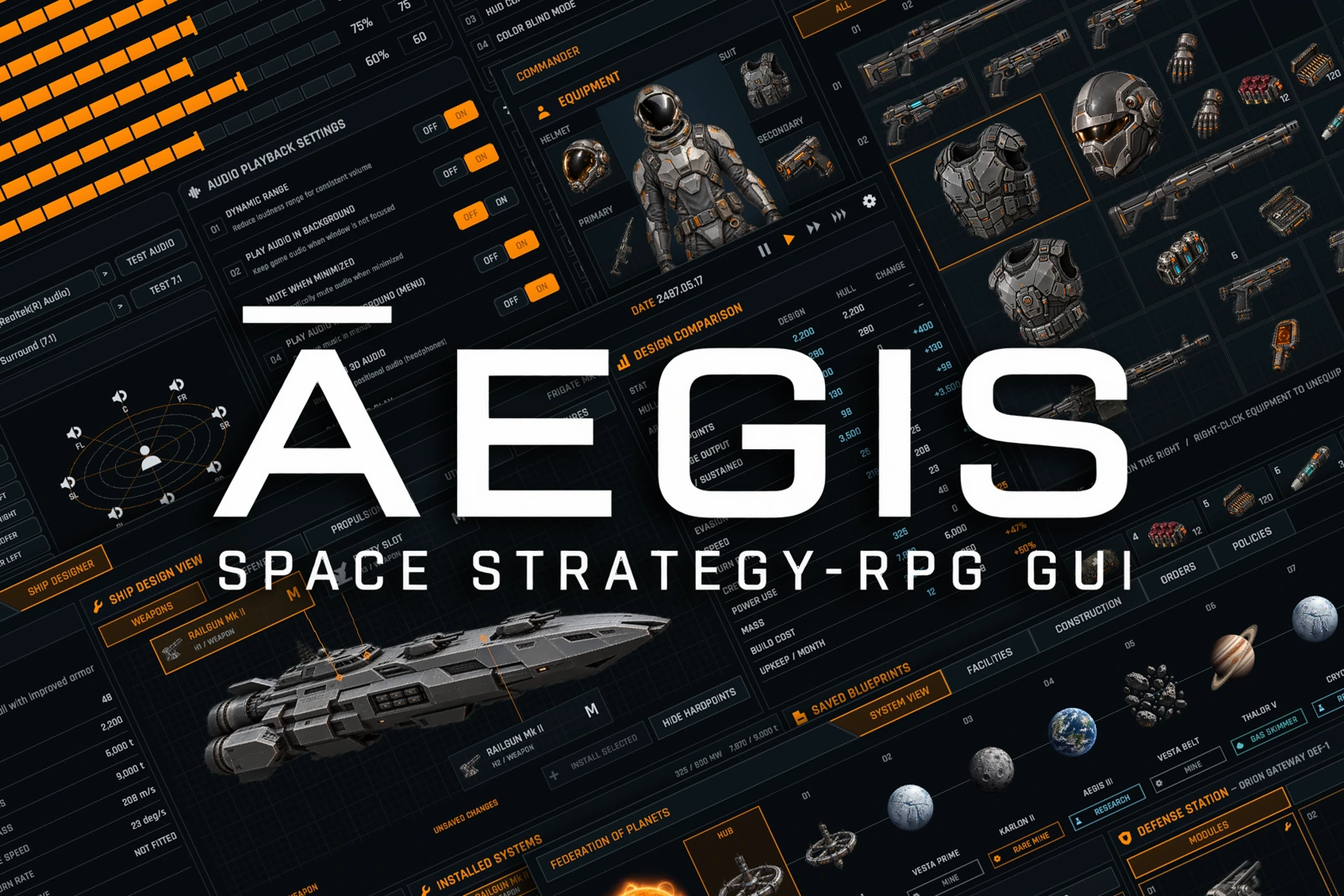
- Example screens
- 12
- Icons
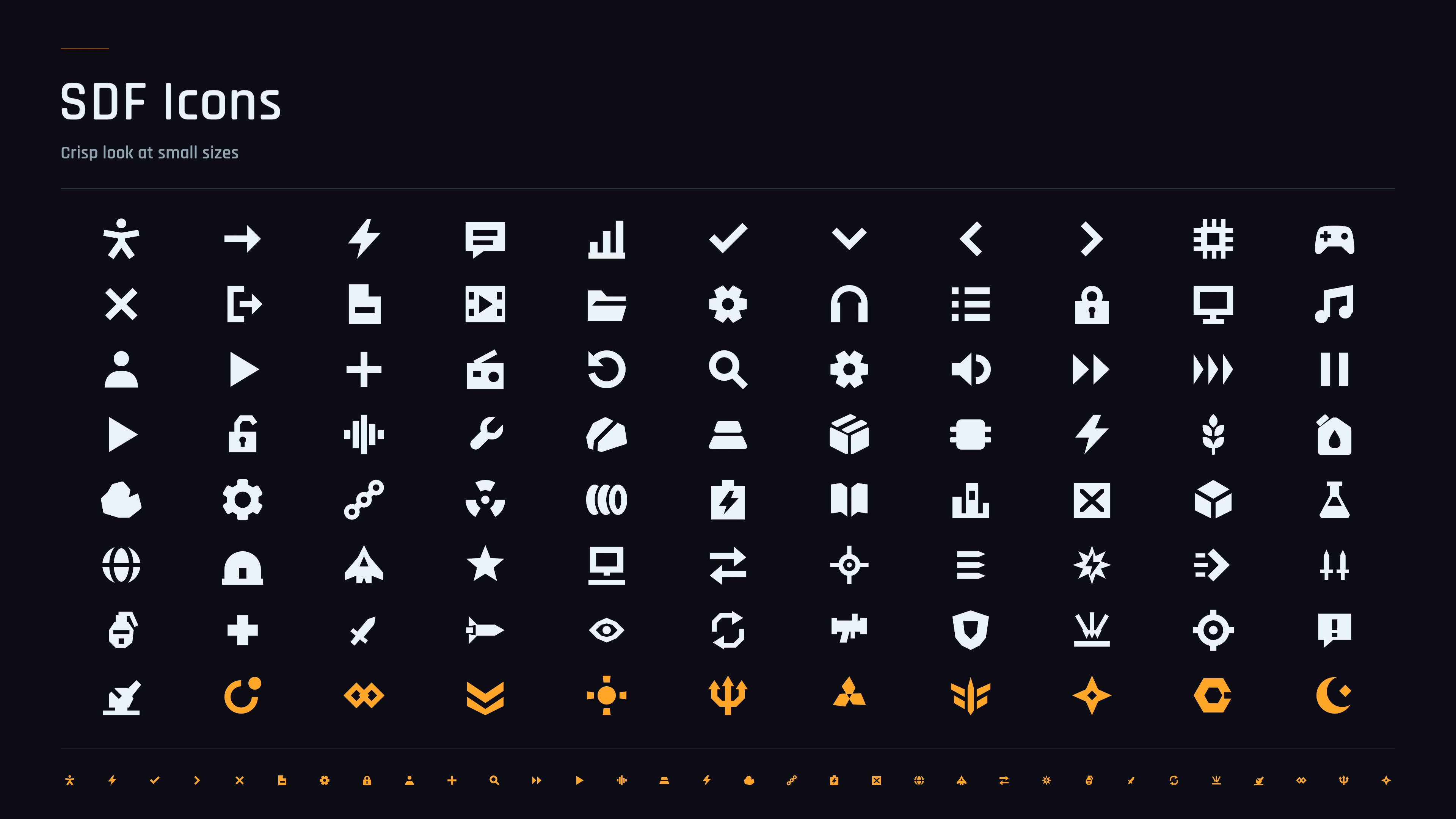
- 86
- Illustrations
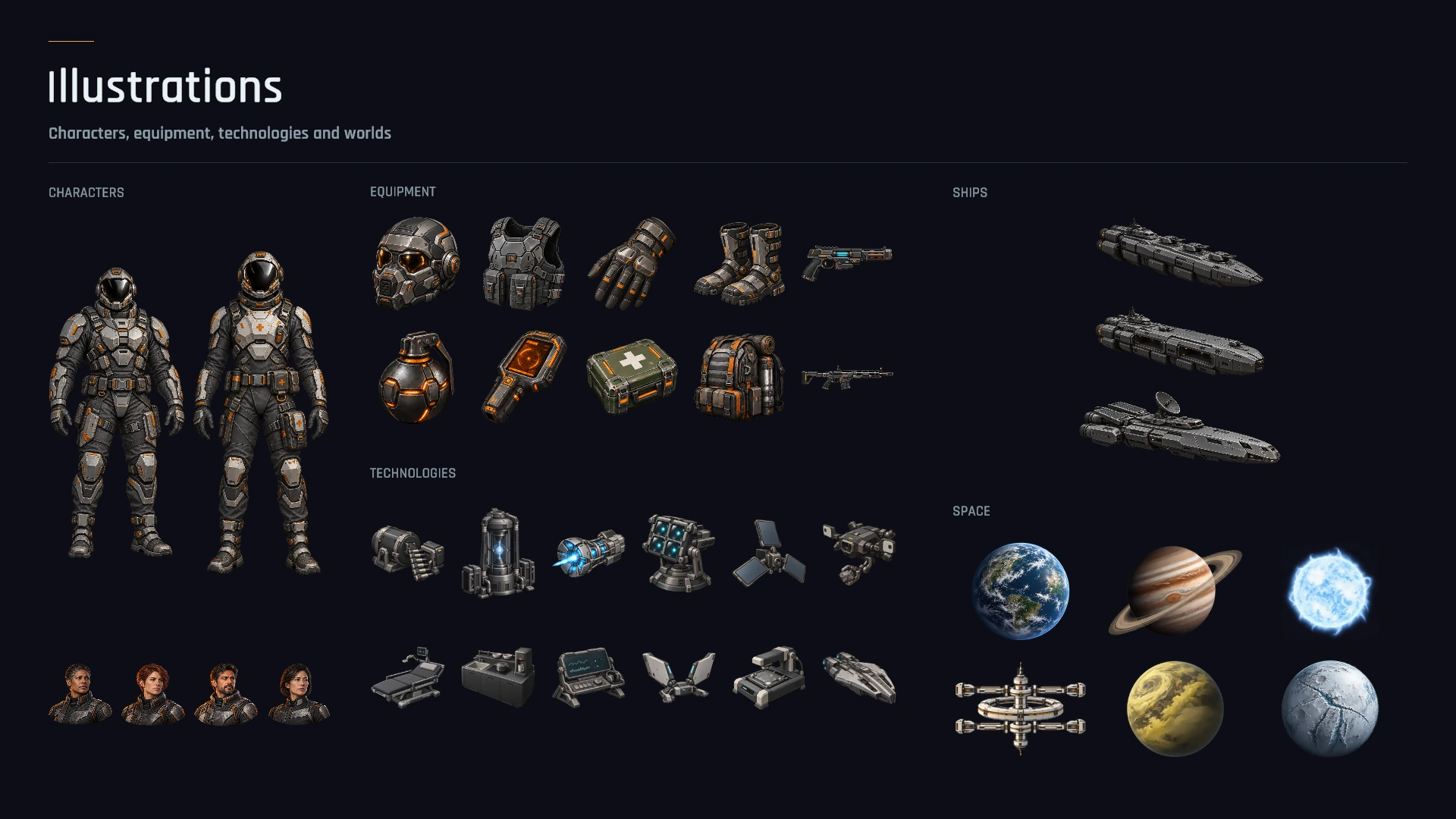
- 400+
- Demo palettes
- 6
Sharp at any size
One SDF material draws cut corners, thin frames, gradients and grids. Resize your panels without stretched textures.
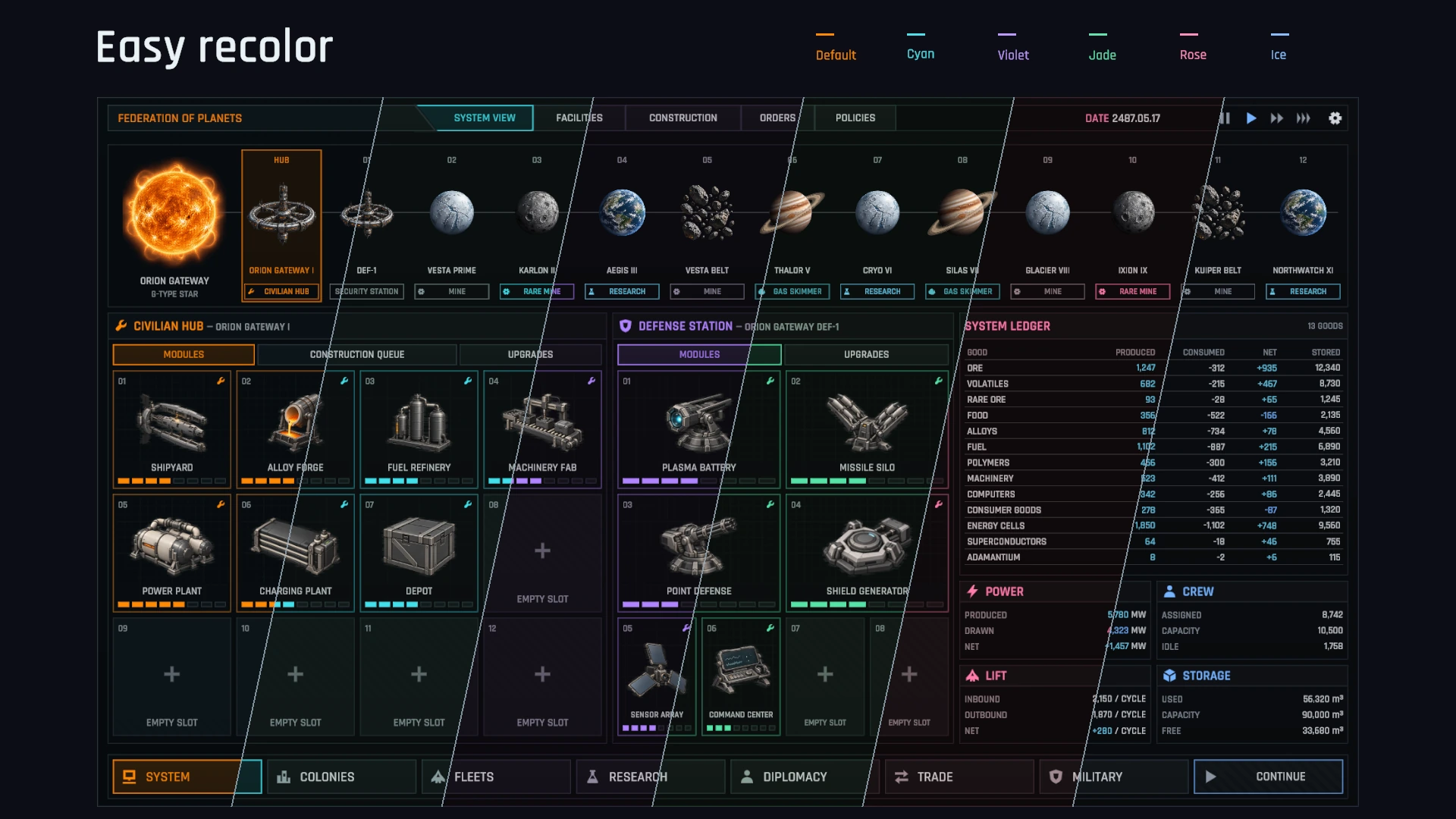
Six palettes. Your own colors.
Colors live on the components, not in baked textures. Change a prefab and its instances follow. Switch palettes in the demo to see the possibilities.
Controls ready to use
Animated buttons with sounds and disabled states, plus tabs, dropdowns, segmented sliders, toggles, input fields, scroll lists and tooltips.
More than a static layout
Drag, rotate and stack inventory items. Build research and skill trees with connected nodes, animate health bars, and feed line graphs your own data.
A world of supporting art
86 icons with editable SVG sources and sharp SDF versions, plus 400+ illustrations of technologies, ships, planets, stations, characters and items.
Native Unity building blocks
Built with uGUI and TextMesh Pro. Open any prefab, inspect how it works, and drop it into your own Canvas.
Explore the interface
Strategy screens, RPG inventories and reusable components
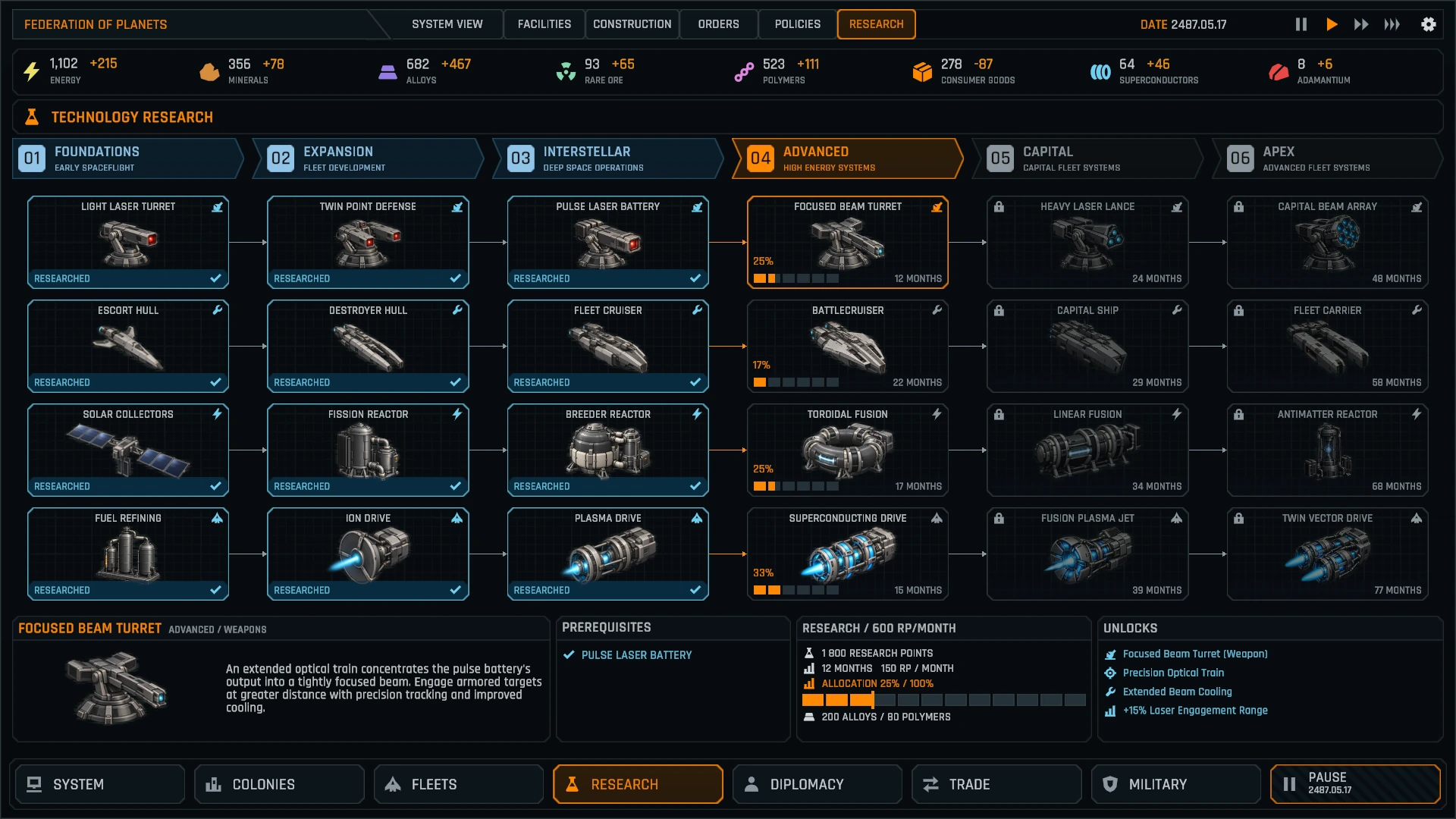
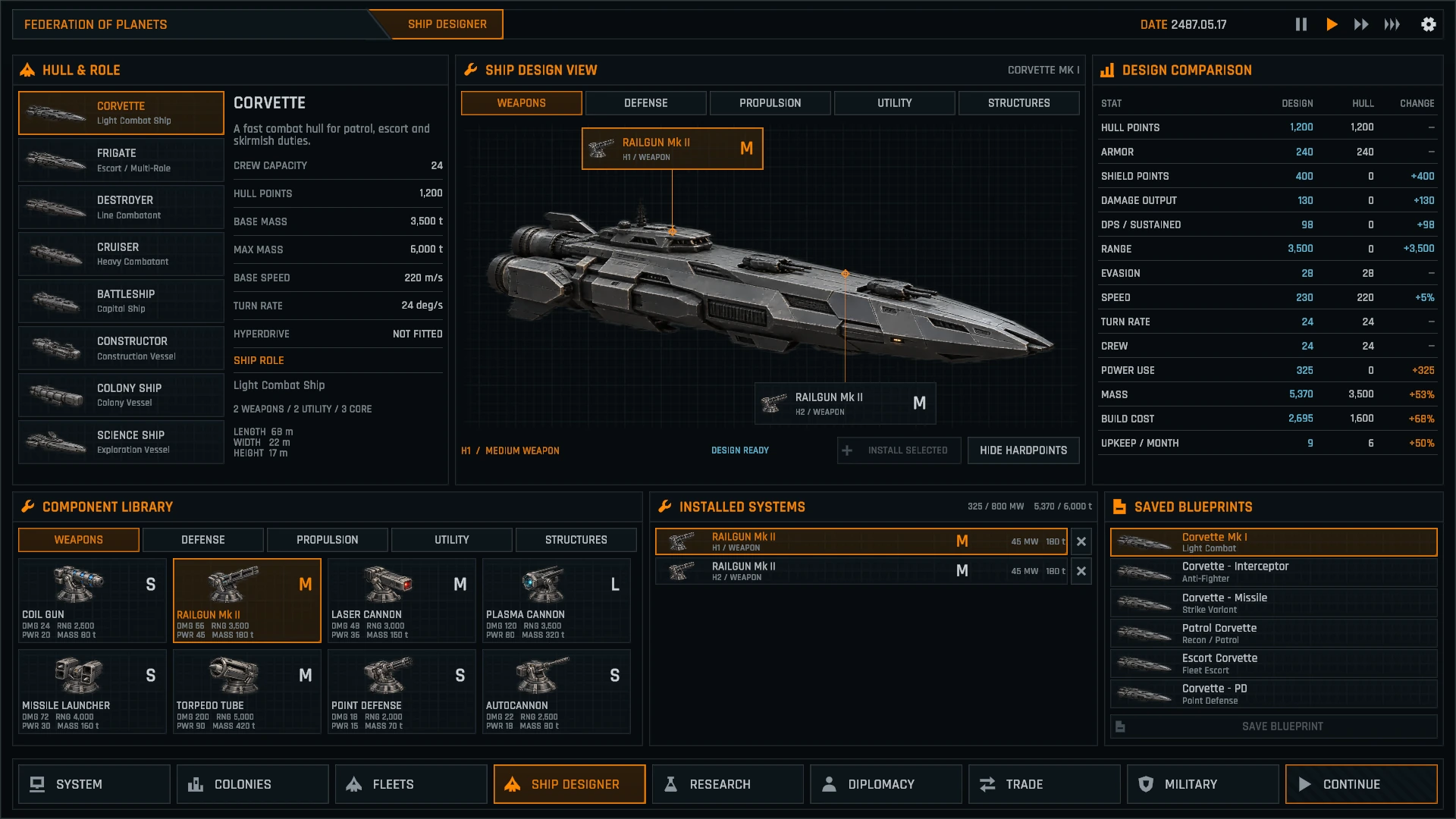
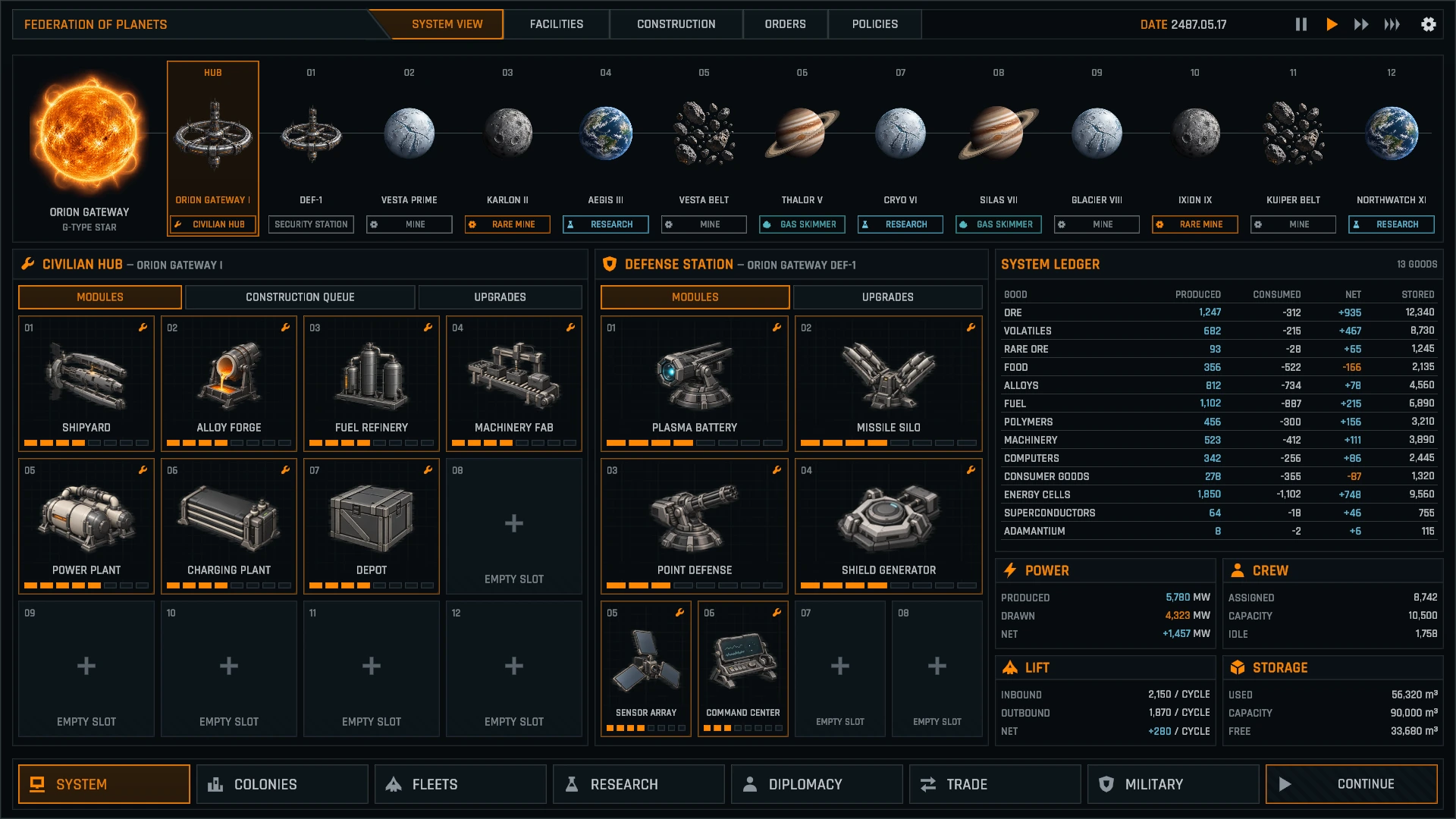
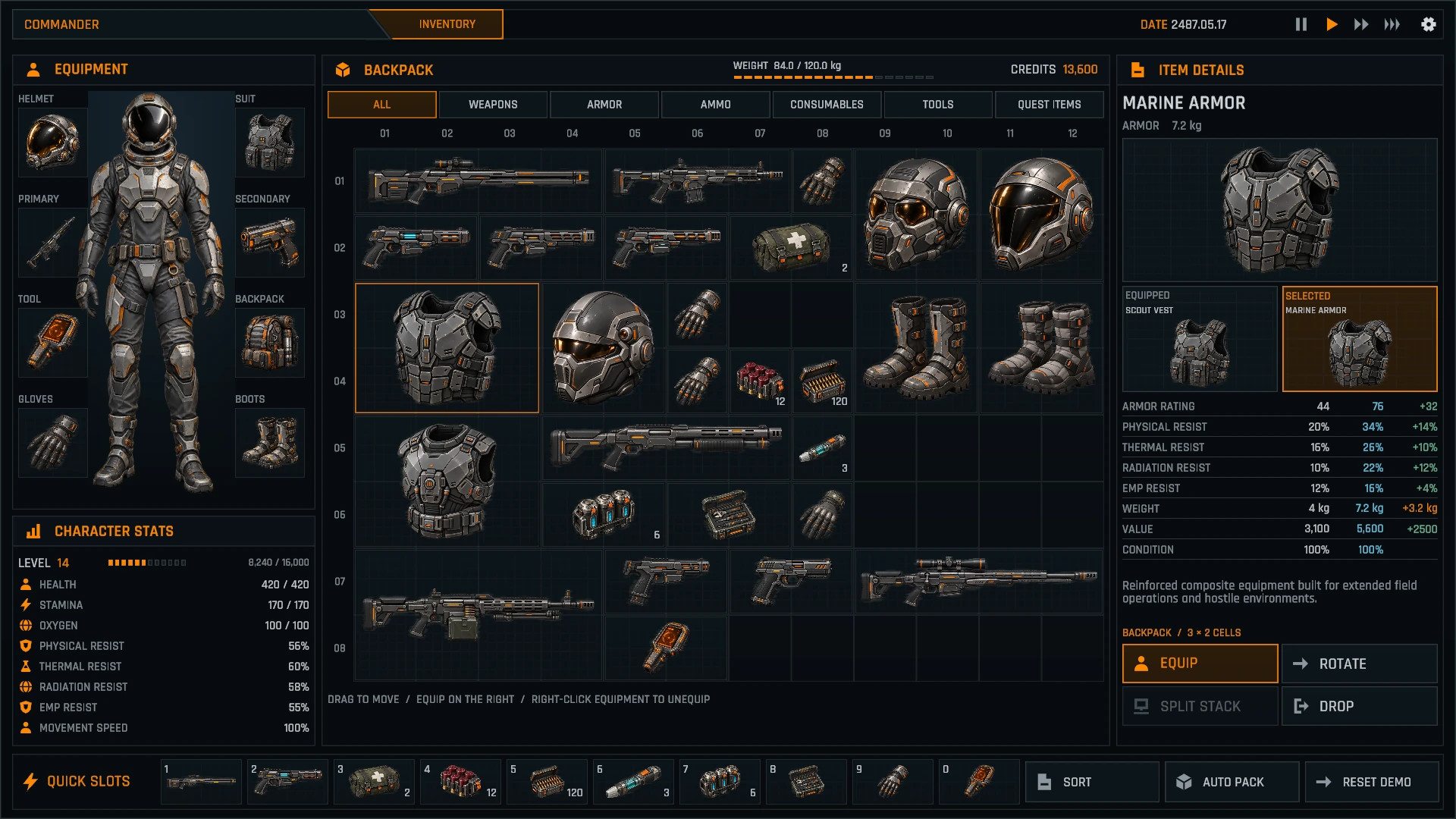
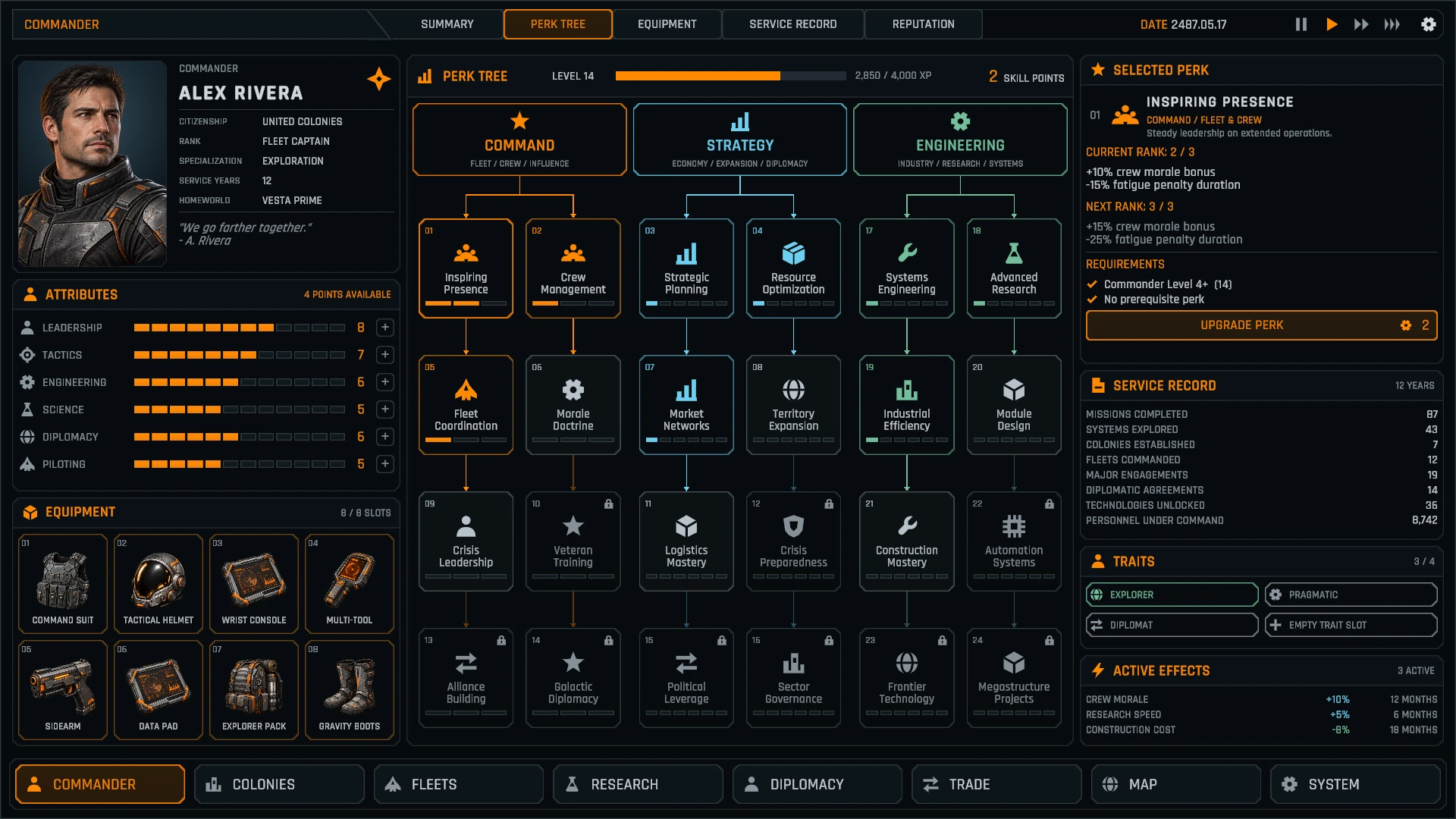
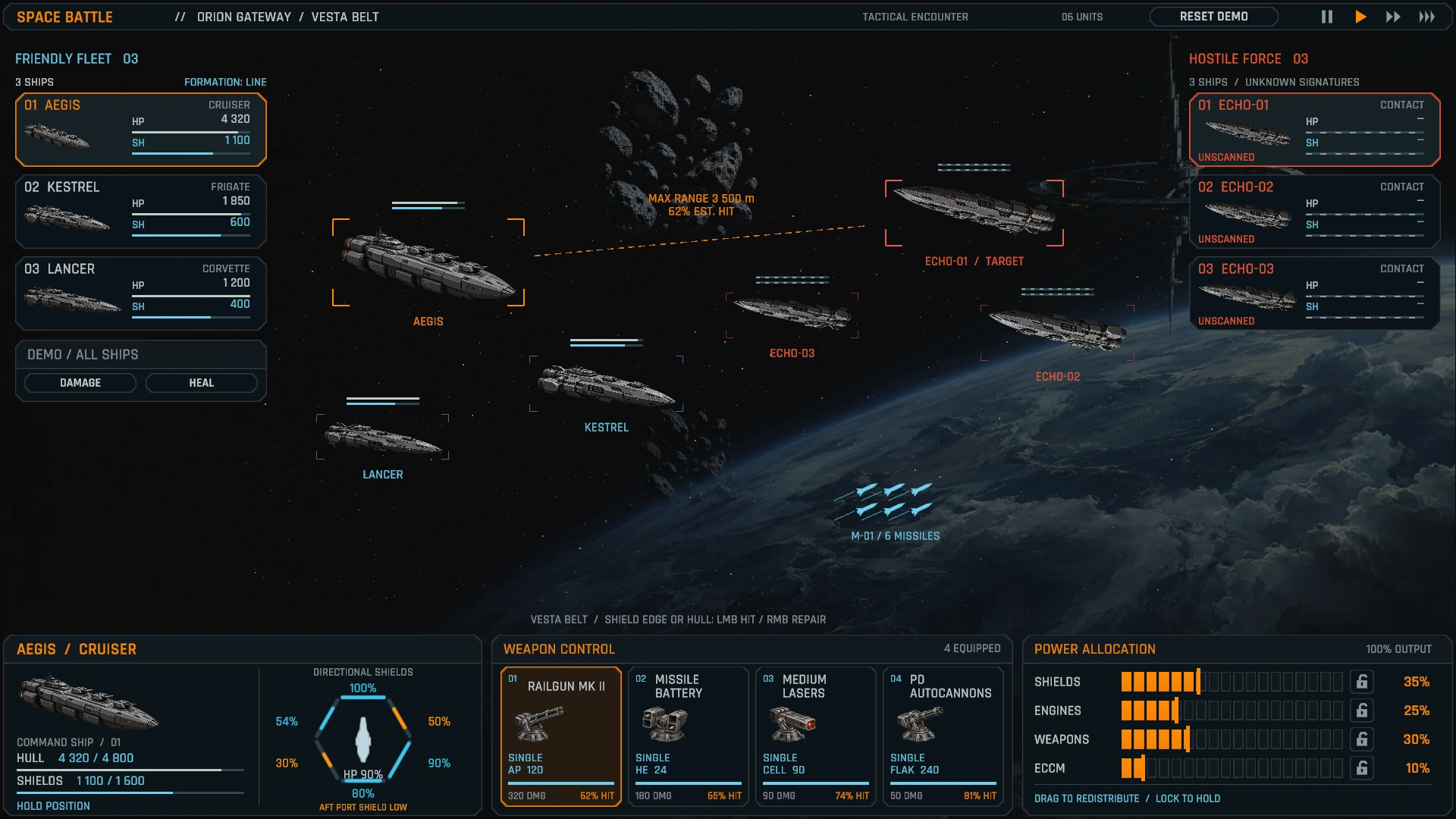
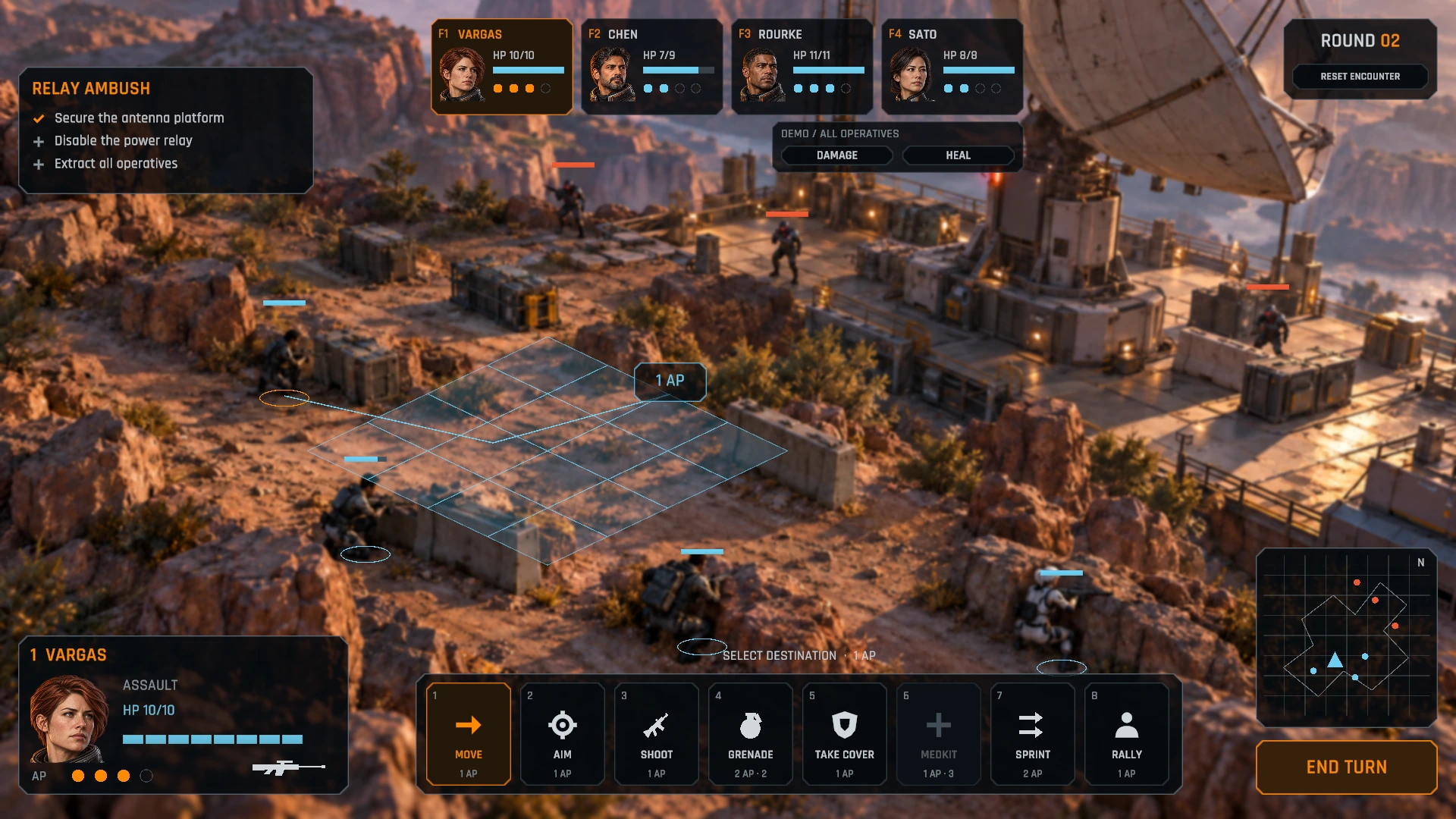
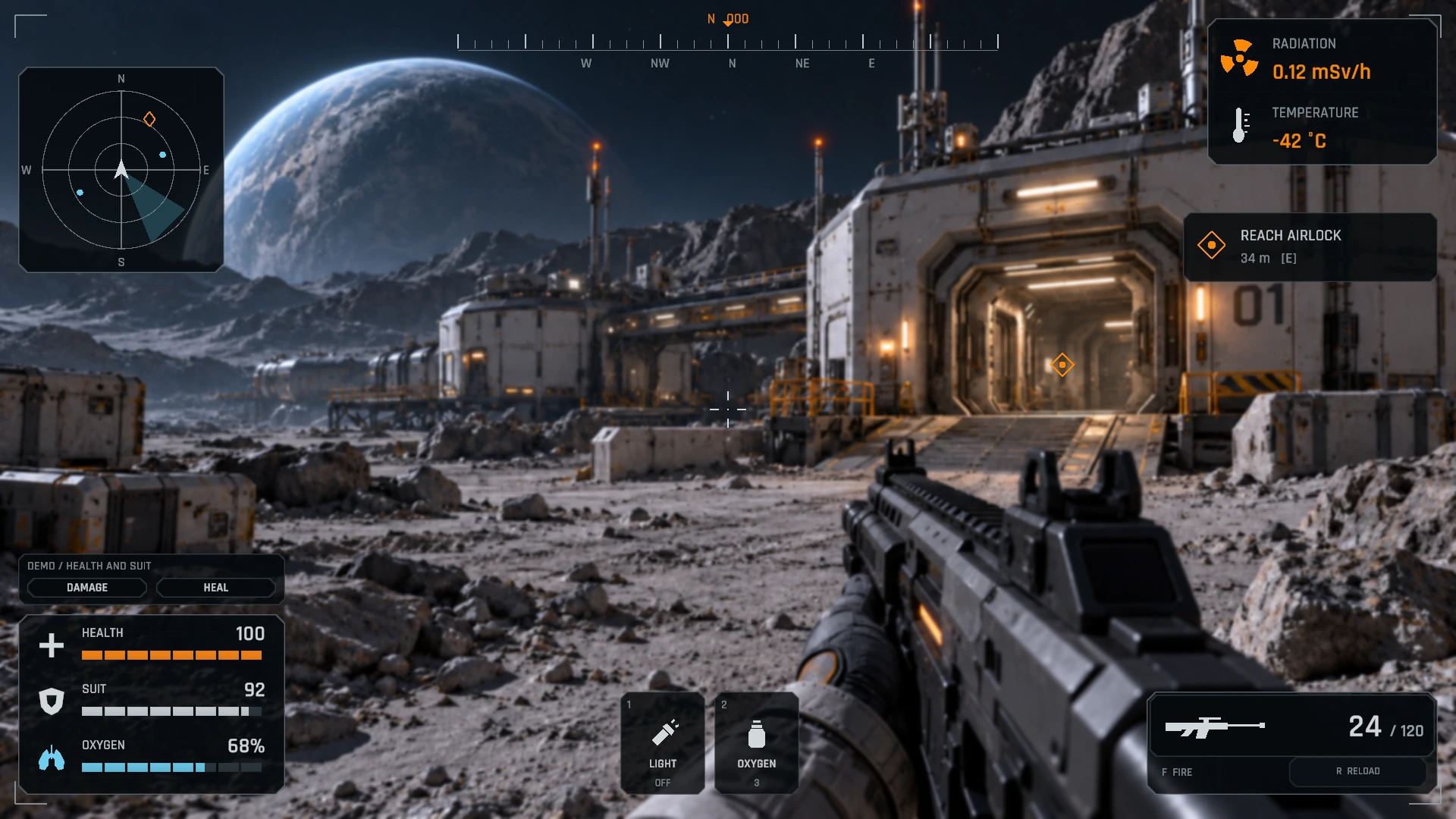
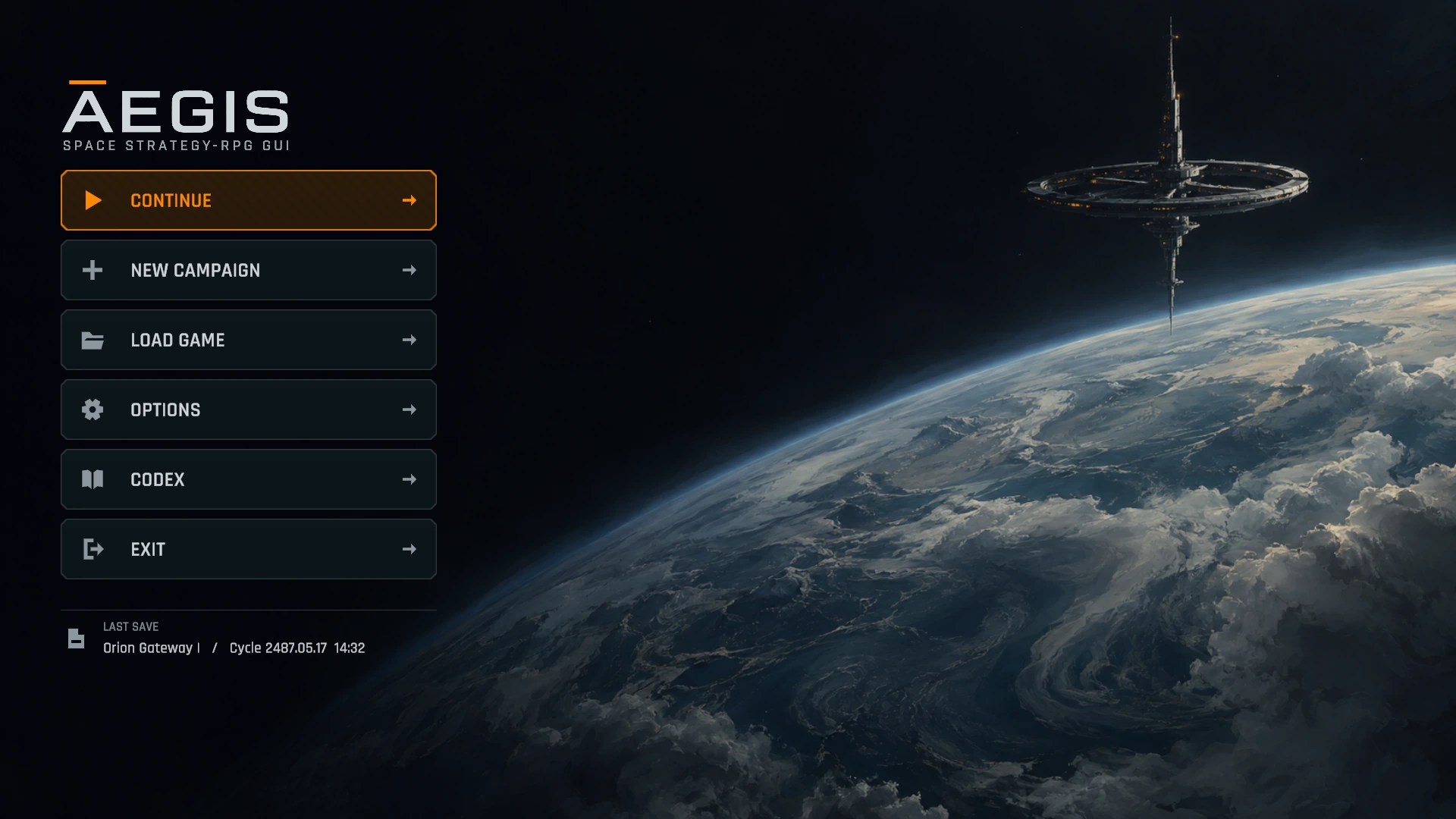
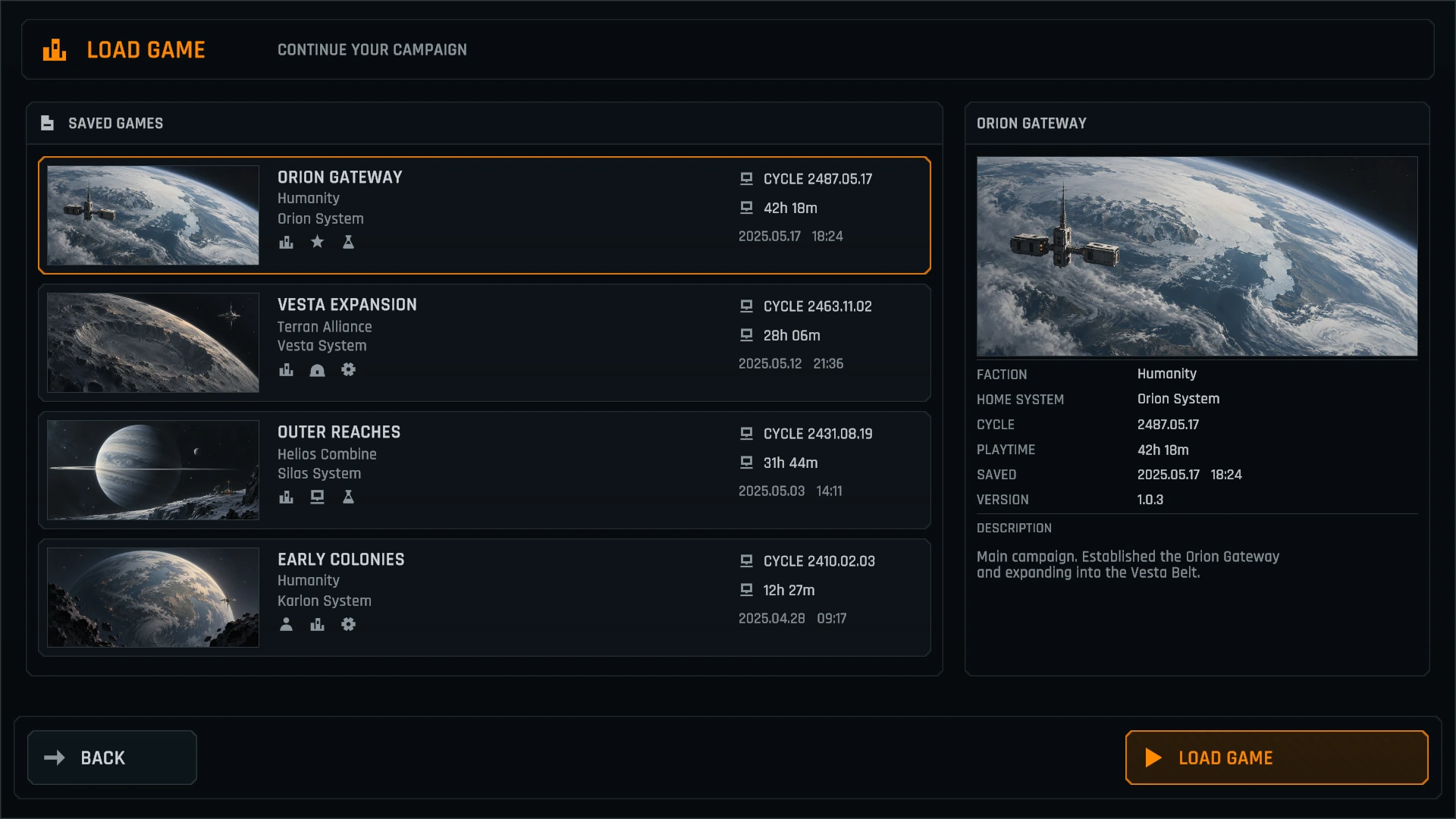
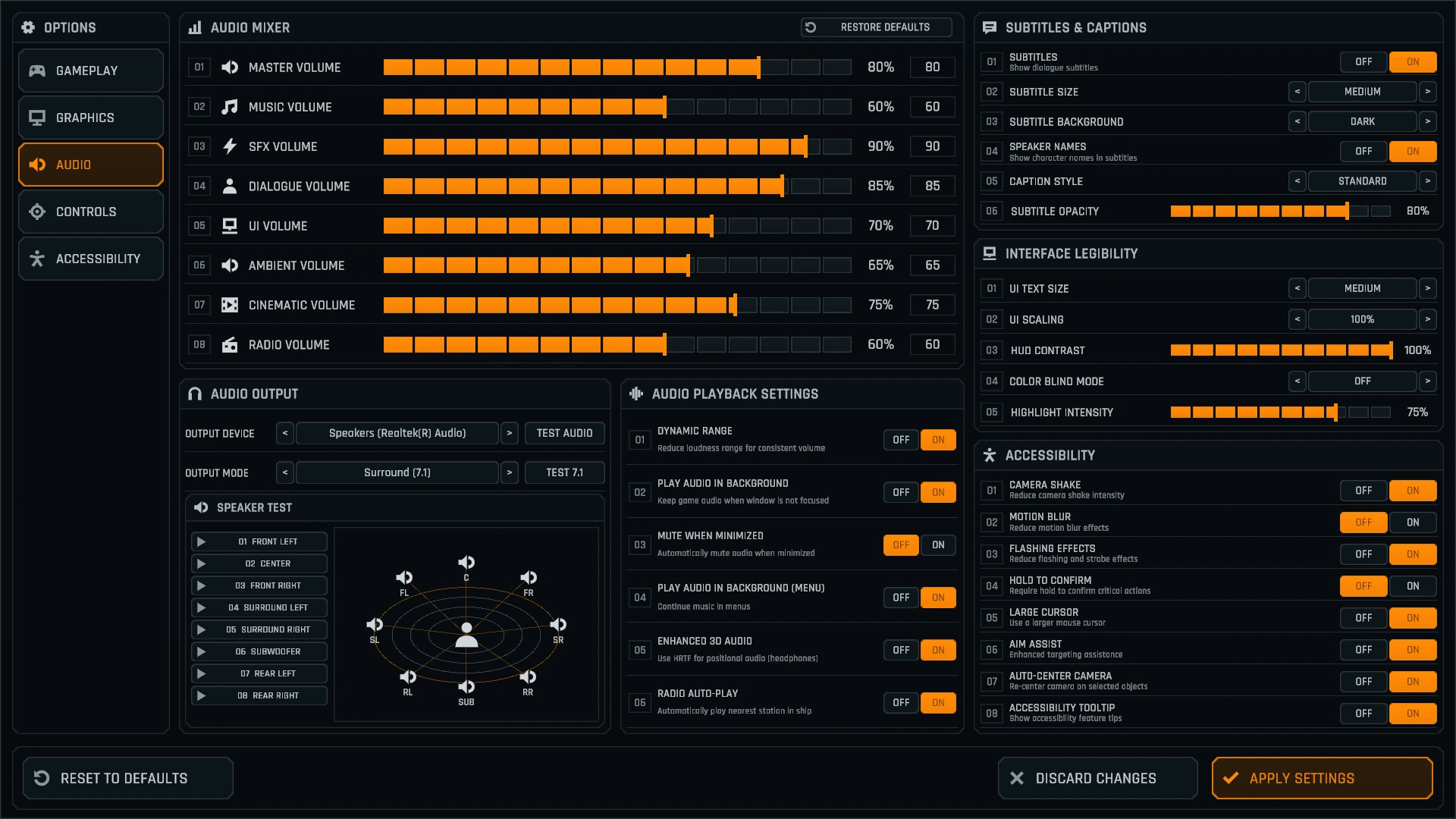
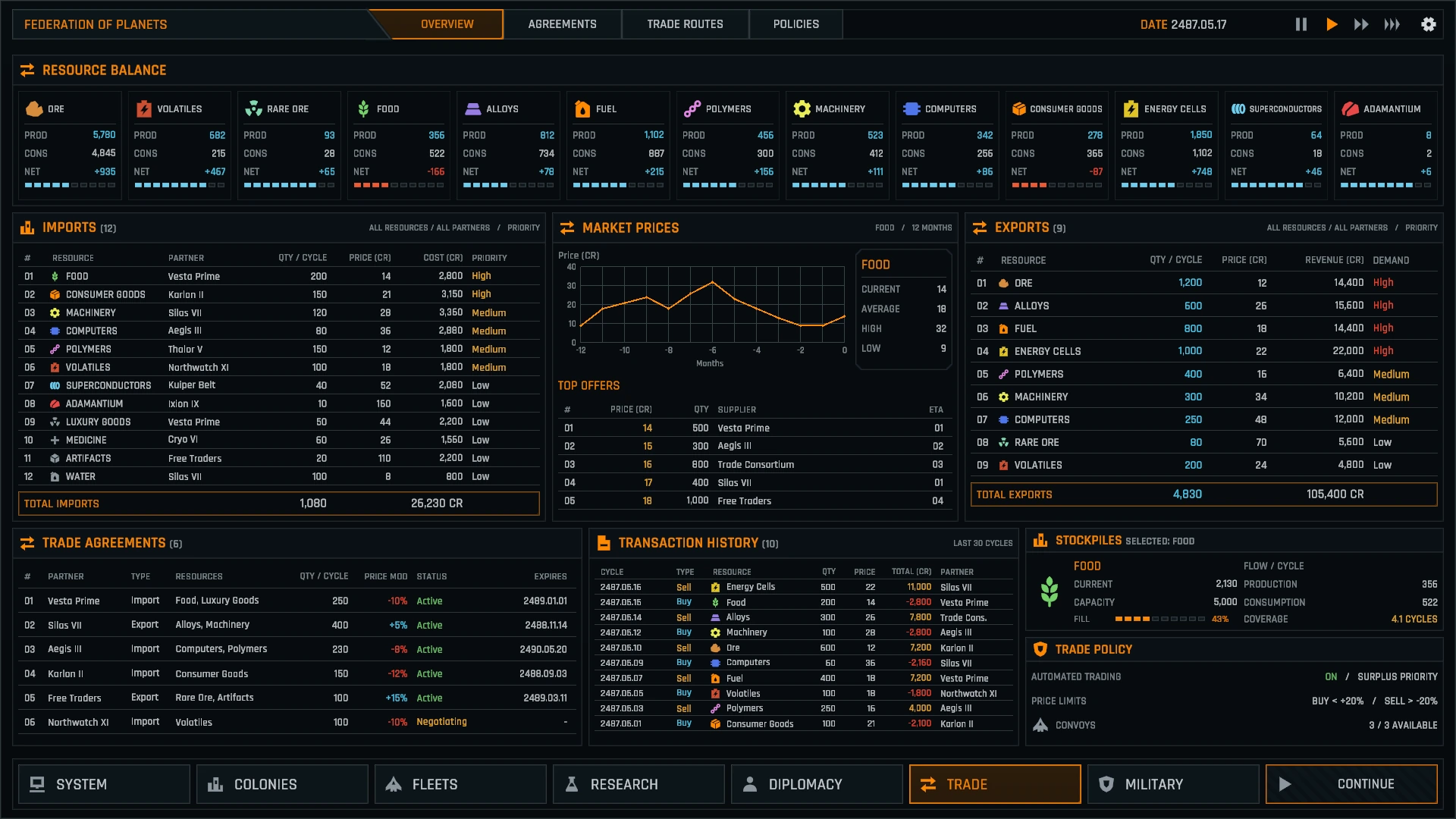
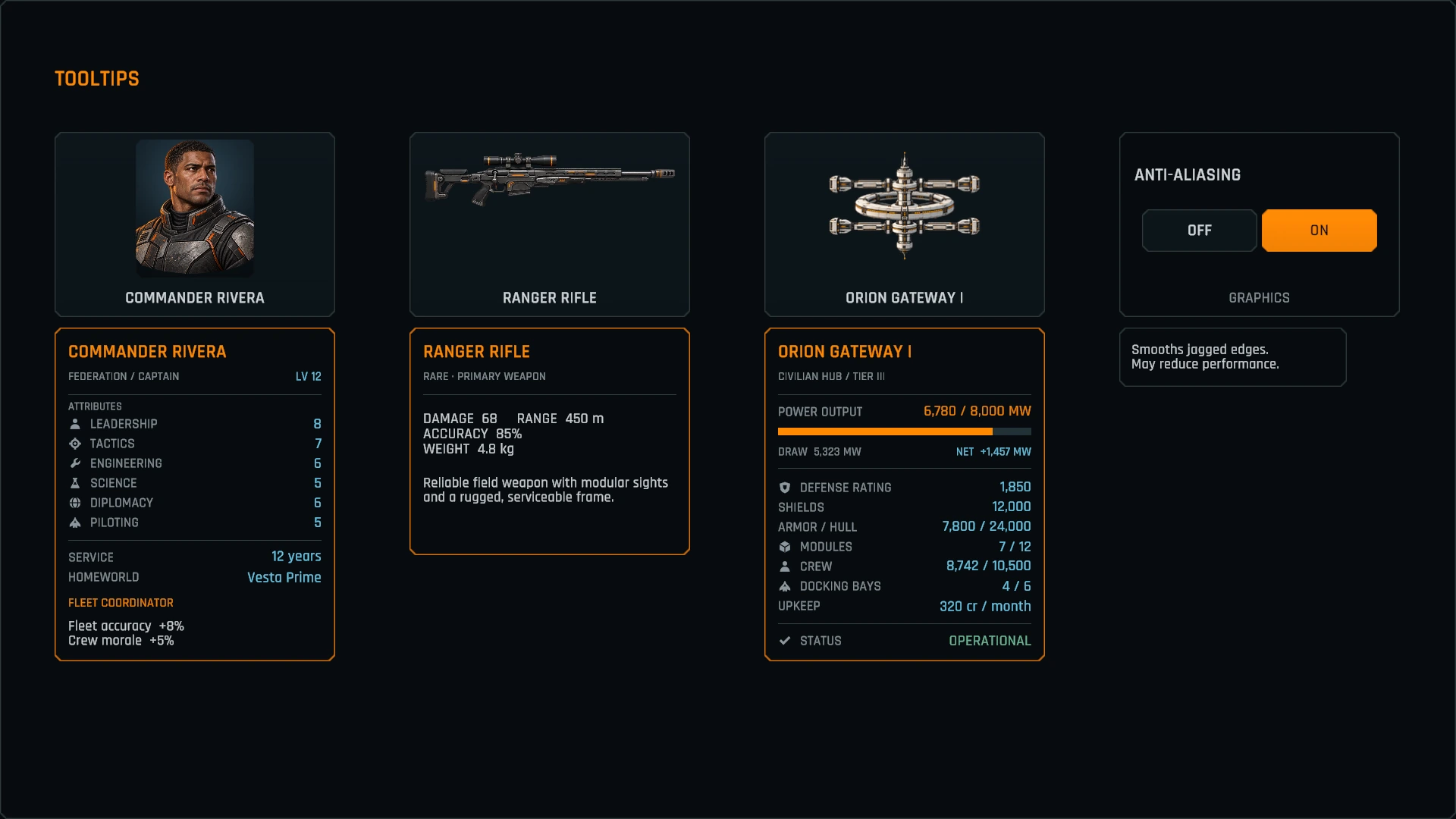
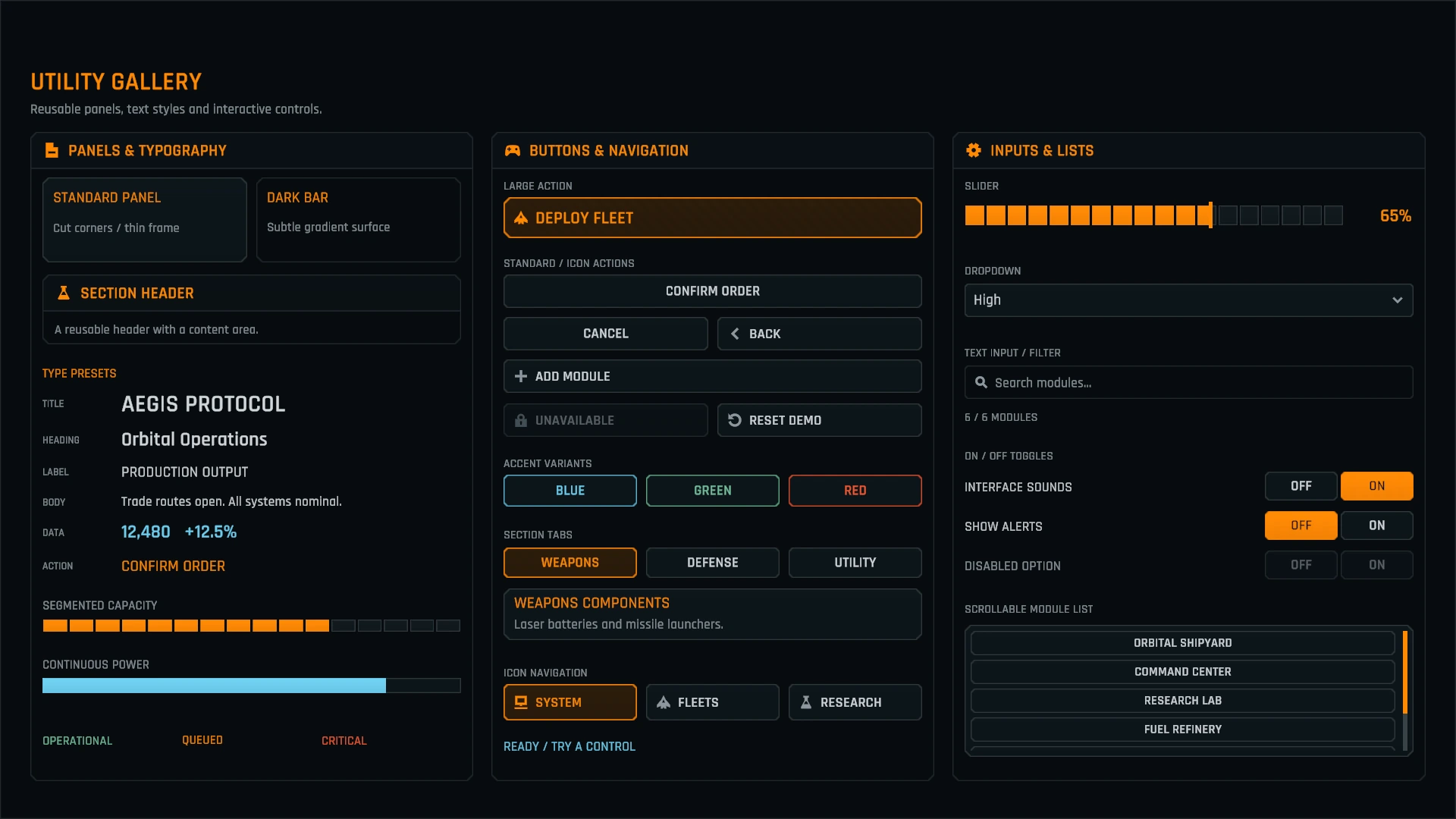
Check the UI pack in the WebGL demo.
Explore the WebGL demo ↗What is included
- 15 demo scenes: 12 example screens, Tooltip and Utility galleries, and a Demo Hub.
- Ready-to-use screen, panel, control, inventory, graph, text, tooltip and icon prefabs.
- Custom uGUI shaders and materials, editor tools and a skill tree line builder.
- 86 icons, 400+ illustrations, Rajdhani font under the SIL Open Font License, and CC0 UI sounds.
- TextMesh Pro presets, assembly definitions, README, component guides, and script and shader references.
Requirements and integration notes
- Unity 6 or newer, Unity UI (uGUI) and TextMesh Pro.
- Built-in Render Pipeline, URP or HDRP. In HDRP, use Screen Space - Overlay for the cleanest result.
- Input System package or Input Manager; either works.
- Designed at 1920 × 1080, with layouts that adapt to most resolutions and aspect ratios.
- Buttons and tabs support mouse and touch. Keyboard and gamepad UI navigation is not set up.
- The browser demo is best explored on a desktop or laptop. Use fullscreen for more room.