UI Packs / Unity
Black Leather
Tycoon GUI
Black leather, brass and steel UI for management, tycoon and strategy games.
From a simple main menu to a data-heavy market screen. Recolorable procedural surfaces, finished controls and industrial-era illustrations, built with native uGUI and TextMesh Pro.
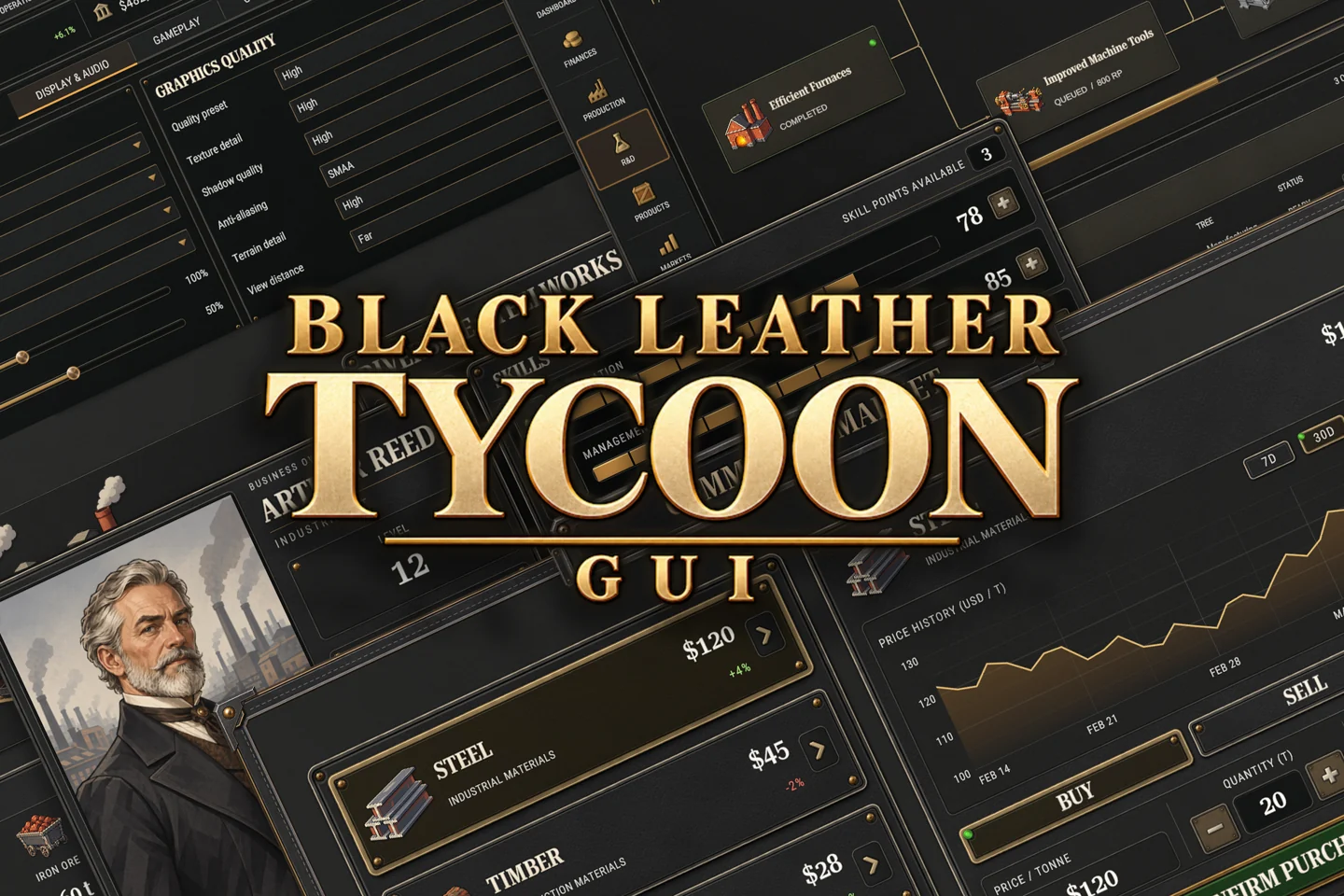
- Example screen layouts
- 15
- Icons
- 115
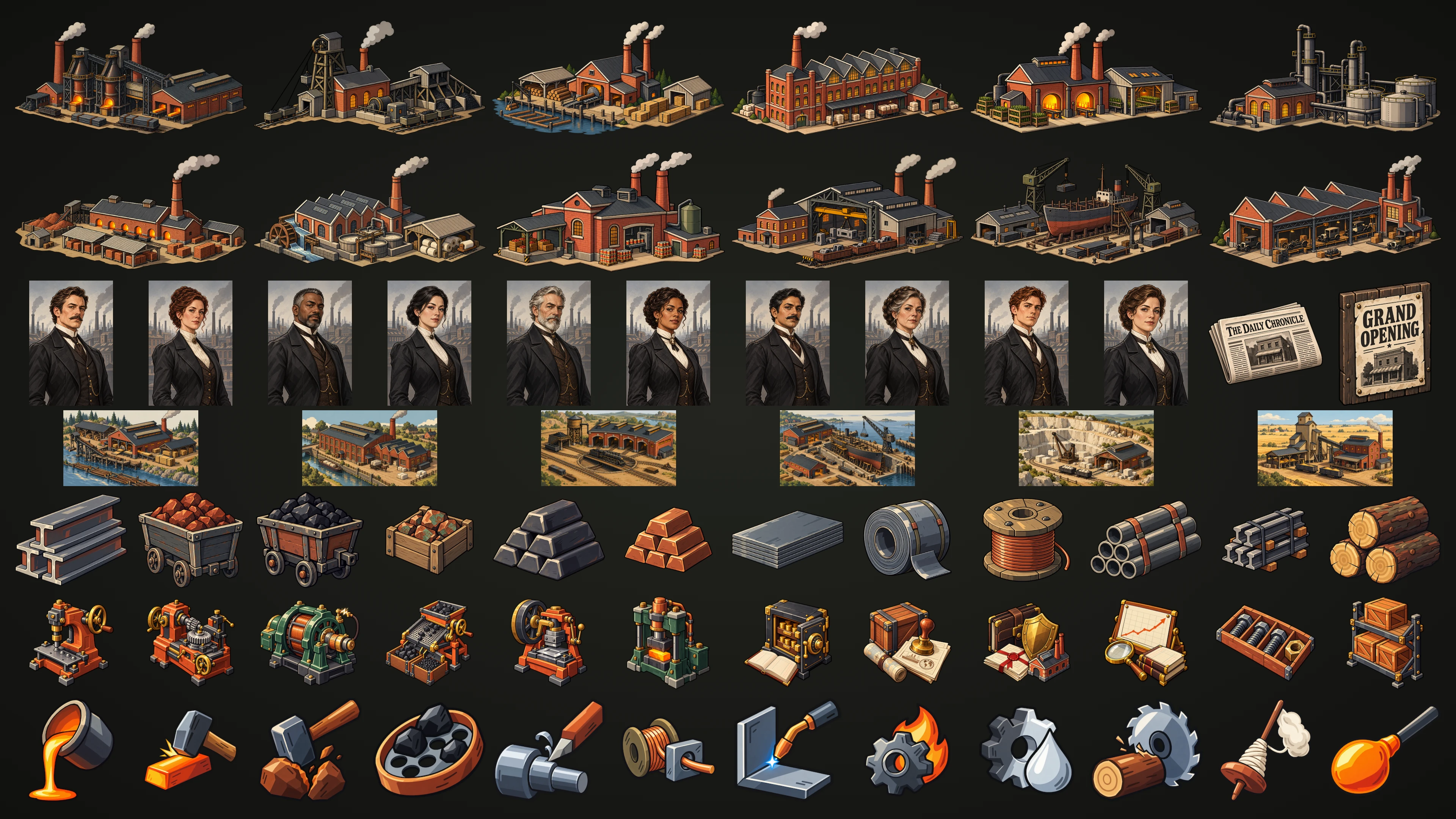
- Illustrations
- 196
- Demo palettes
- 4
See the interface in motion
Actual Unity footage
Leather and metal, drawn procedurally
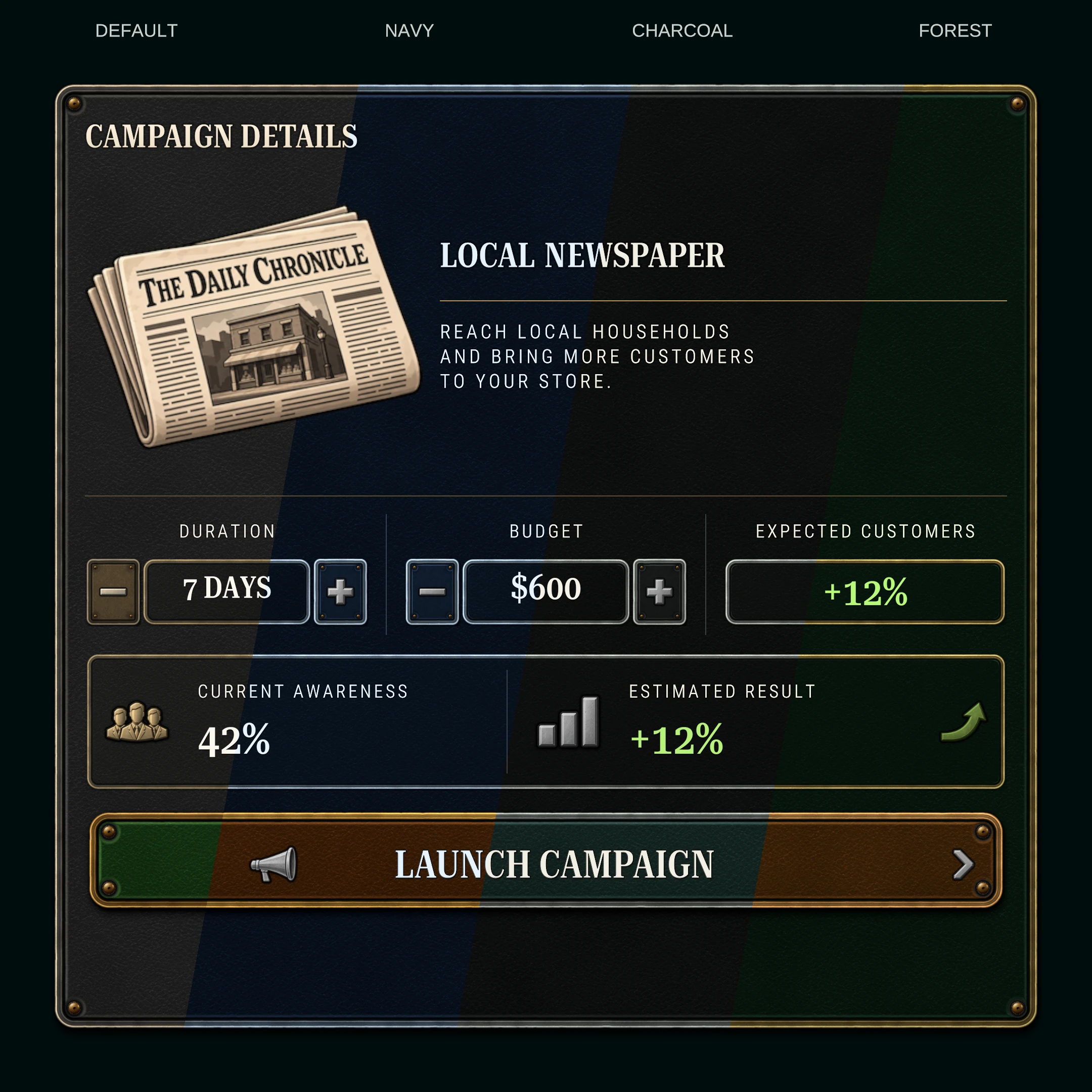
One SDF material draws the leather, metal frame, rivets and soft shadow. Resize panels and buttons without stretching a baked frame texture.
Make the finish your own
Leather, metal, selection accents and text colors are material properties. Try black and gold, navy and silver, charcoal and pewter, or forest and brass in the demo.
Controls with a finished feel
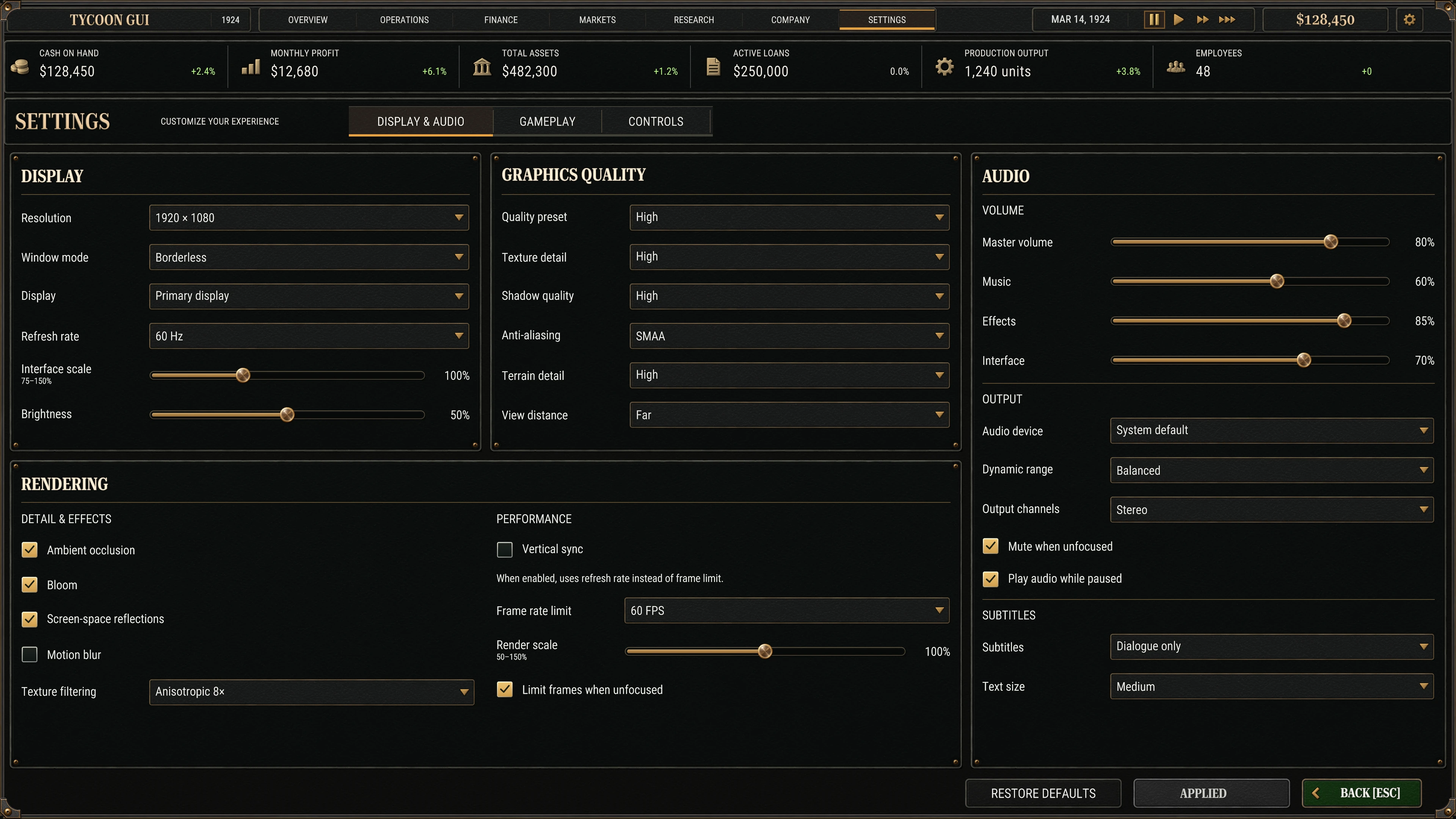
Hover and press animations, sounds, disabled states, hold-to-repeat and selection transitions. Includes tabs, dropdowns, sliders, toggles, search fields, steppers and draggable windows.
Put your data on screen
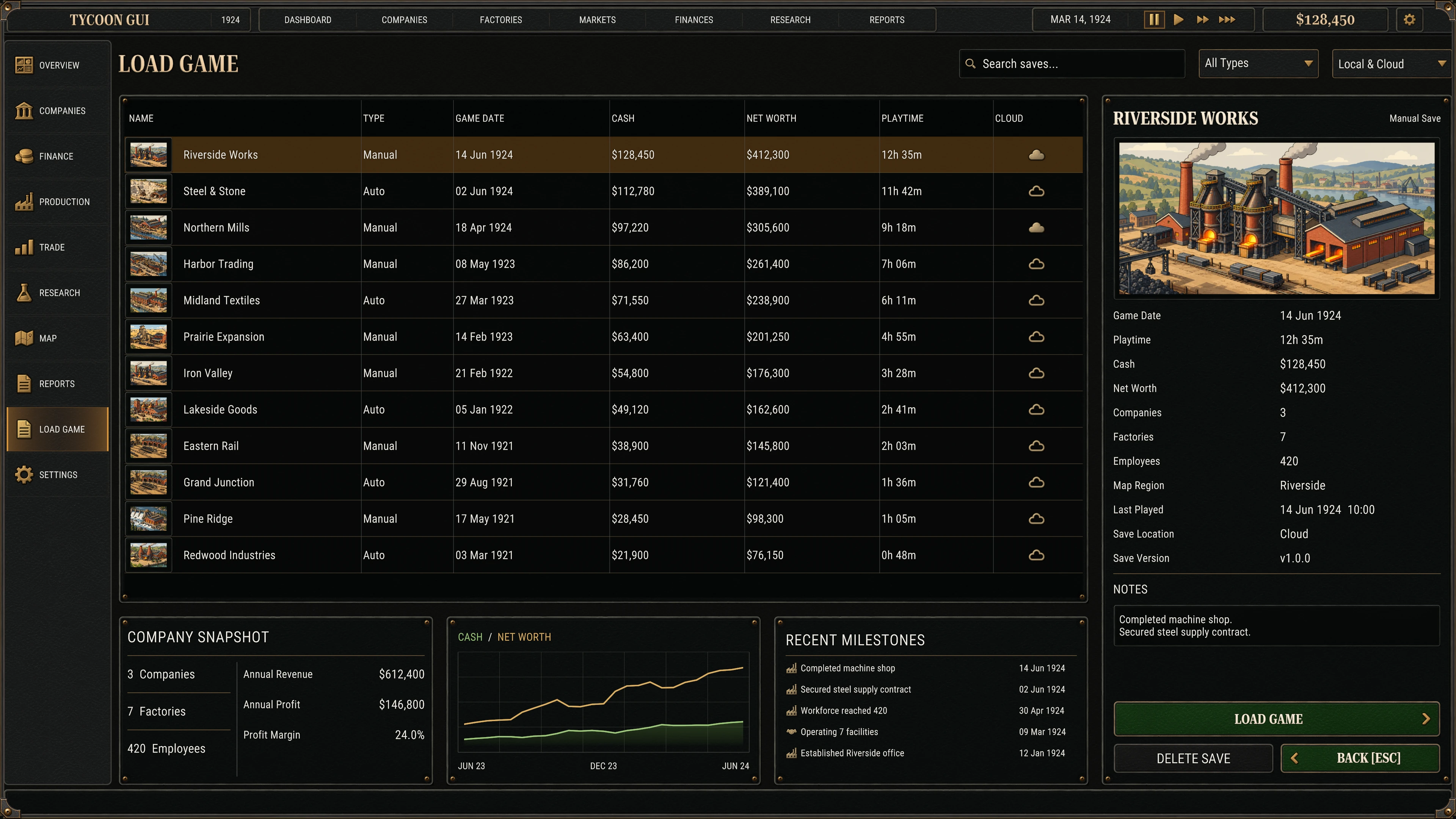
Anti-aliased line, bar and area graphs with dashes, markers, auto-scaling axes, dates and hover readouts. Feed a graph your data with one call.
Build a research tree
Reusable cards show locked, available, selected and completed states. Connect them with orthogonal or curved lines, arrowheads and dashes; celebrate completion with a subtle shine.
Open it up and make it yours
Native uGUI and TextMesh Pro throughout. Inspect any prefab, reuse its building blocks in your own Canvas, and bake soft shadows with the included editor tool.
A closer look
Large layouts, dense workspaces and reusable pieces
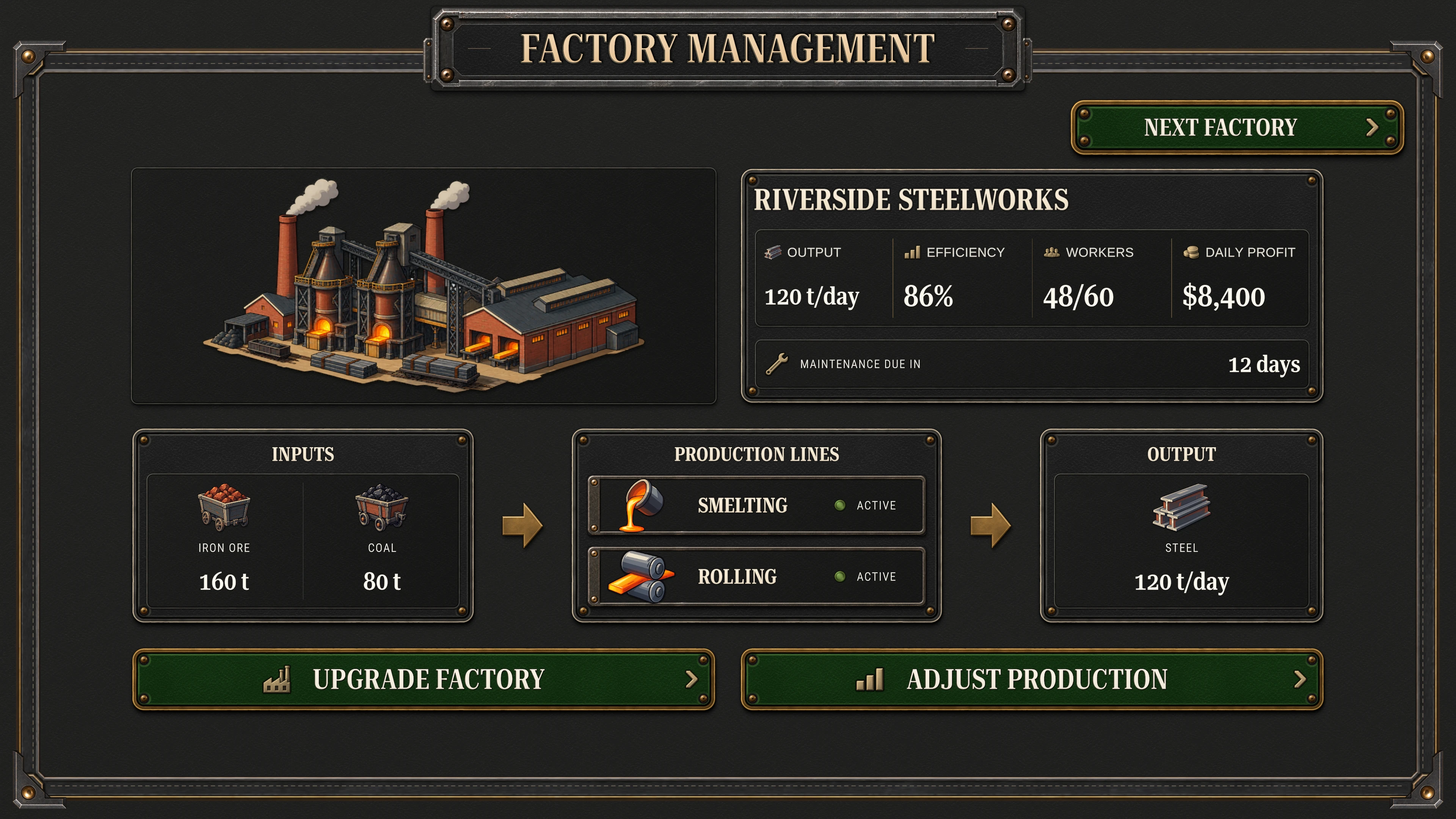
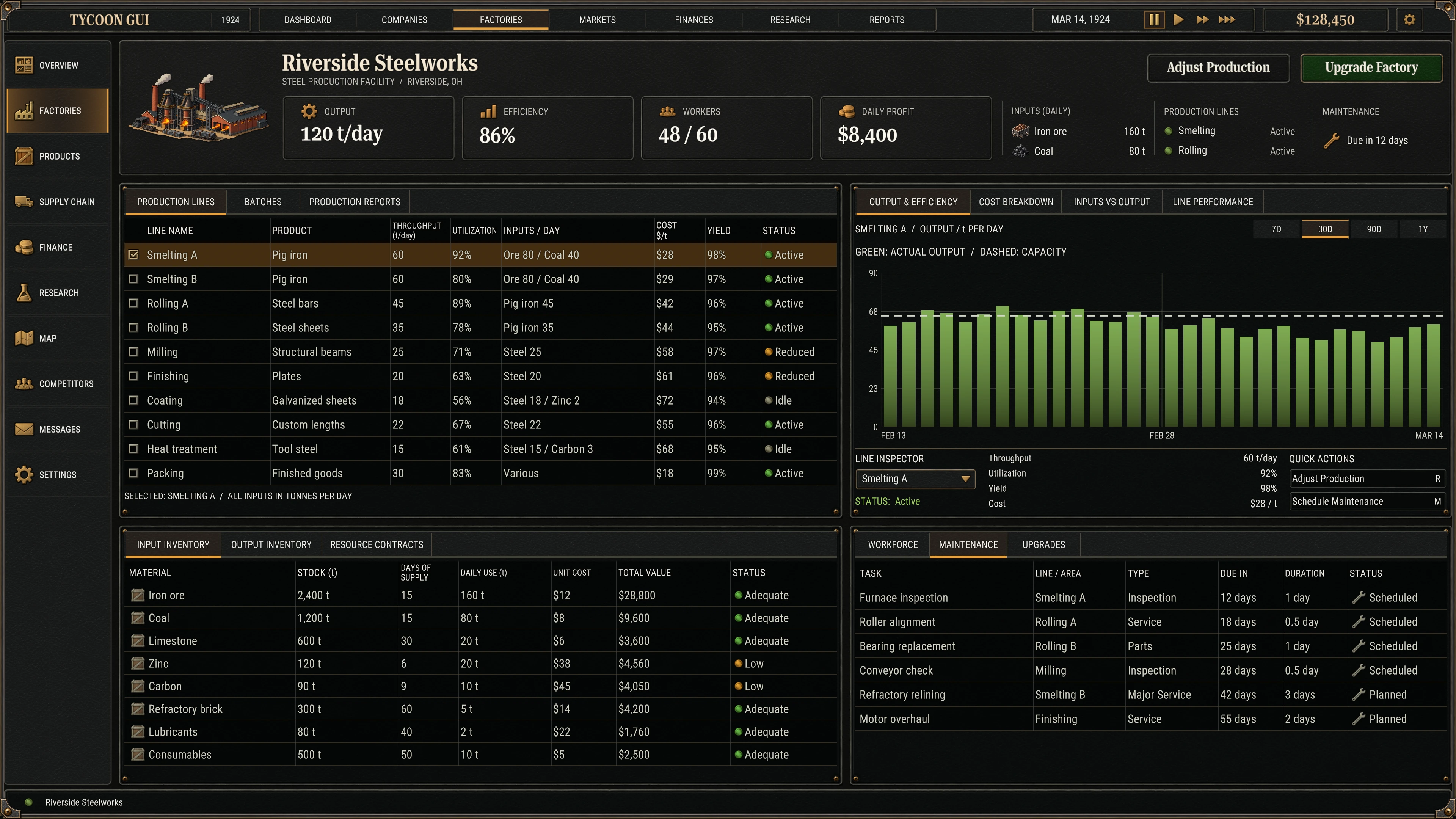
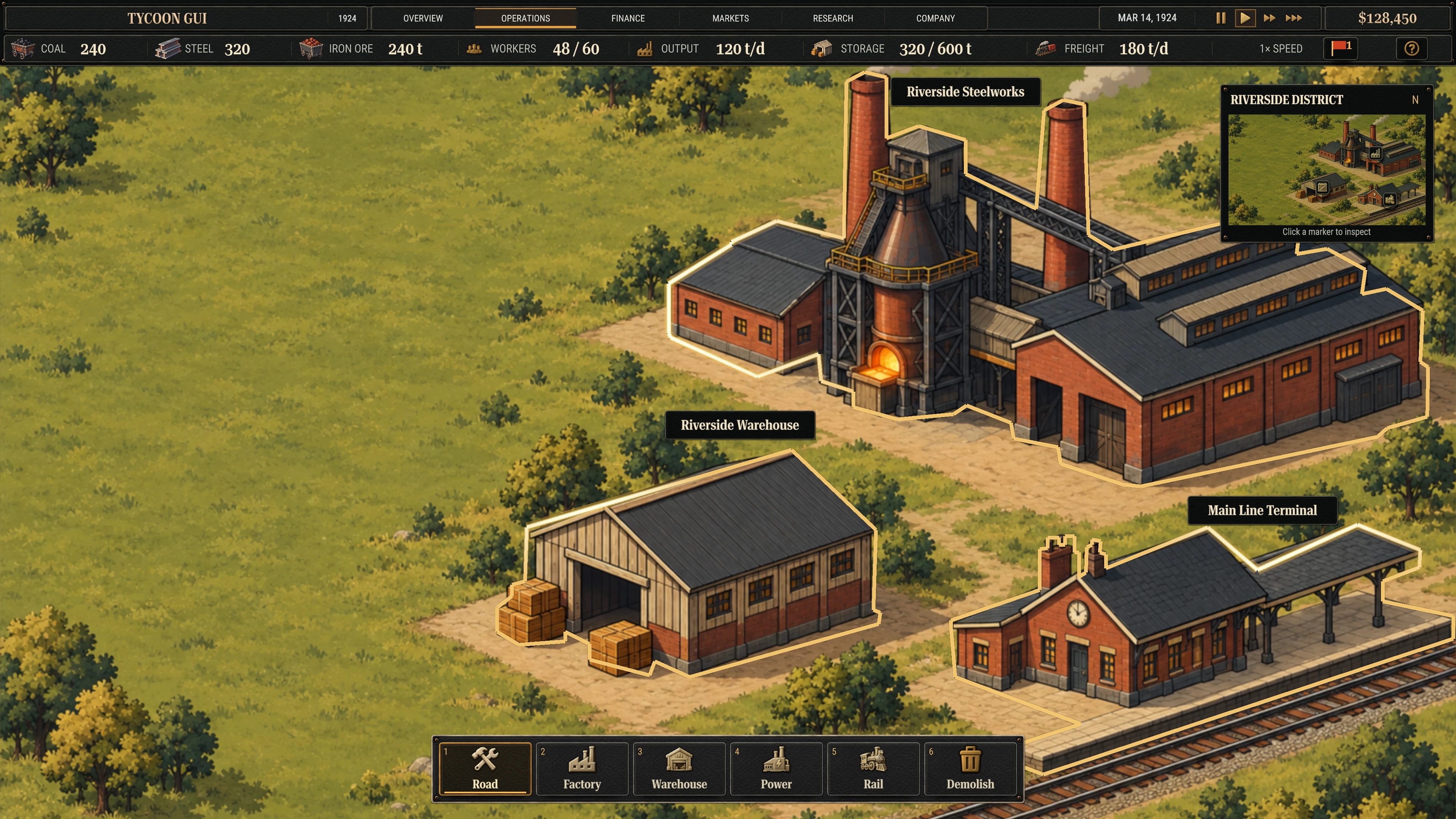
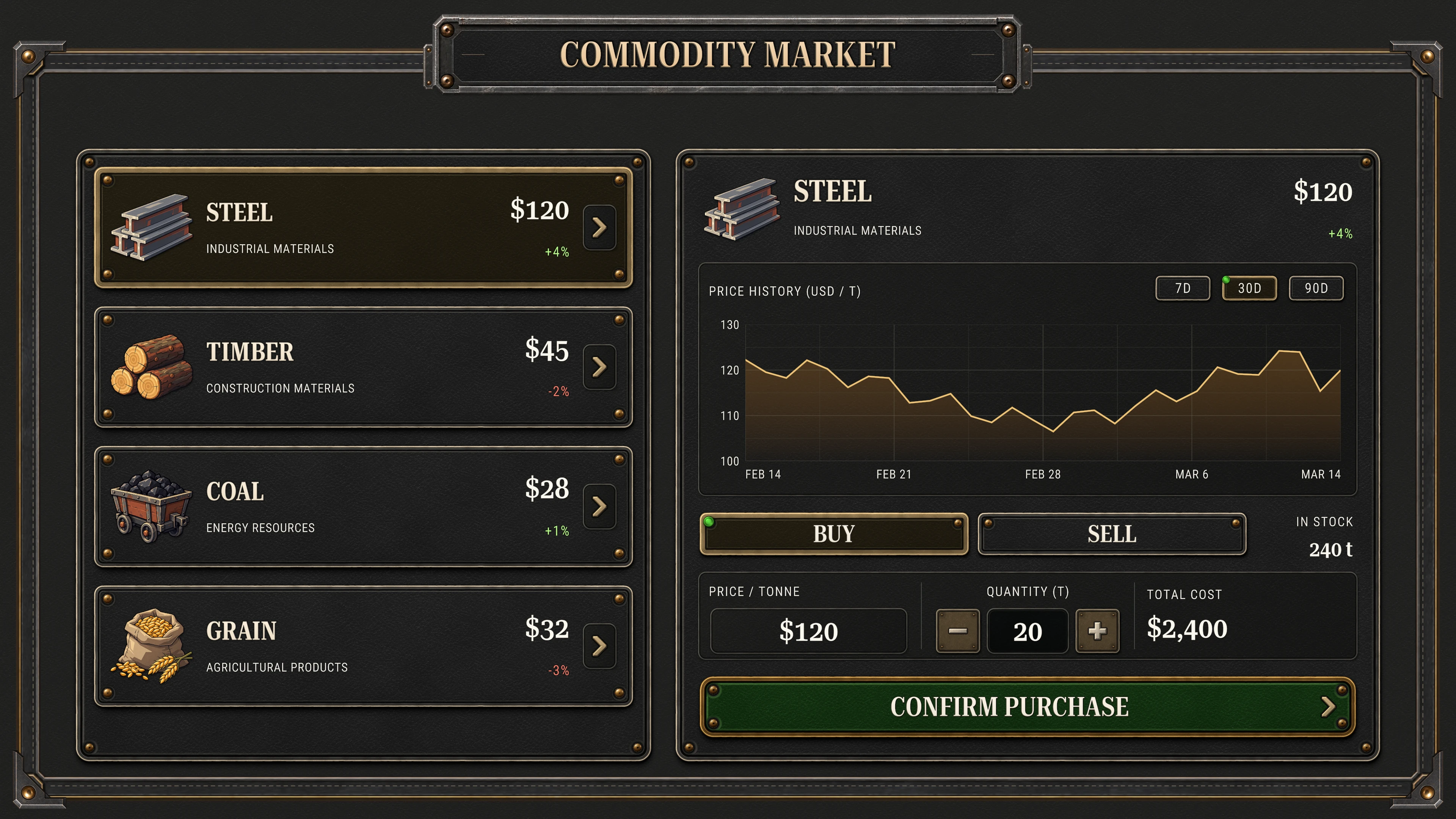
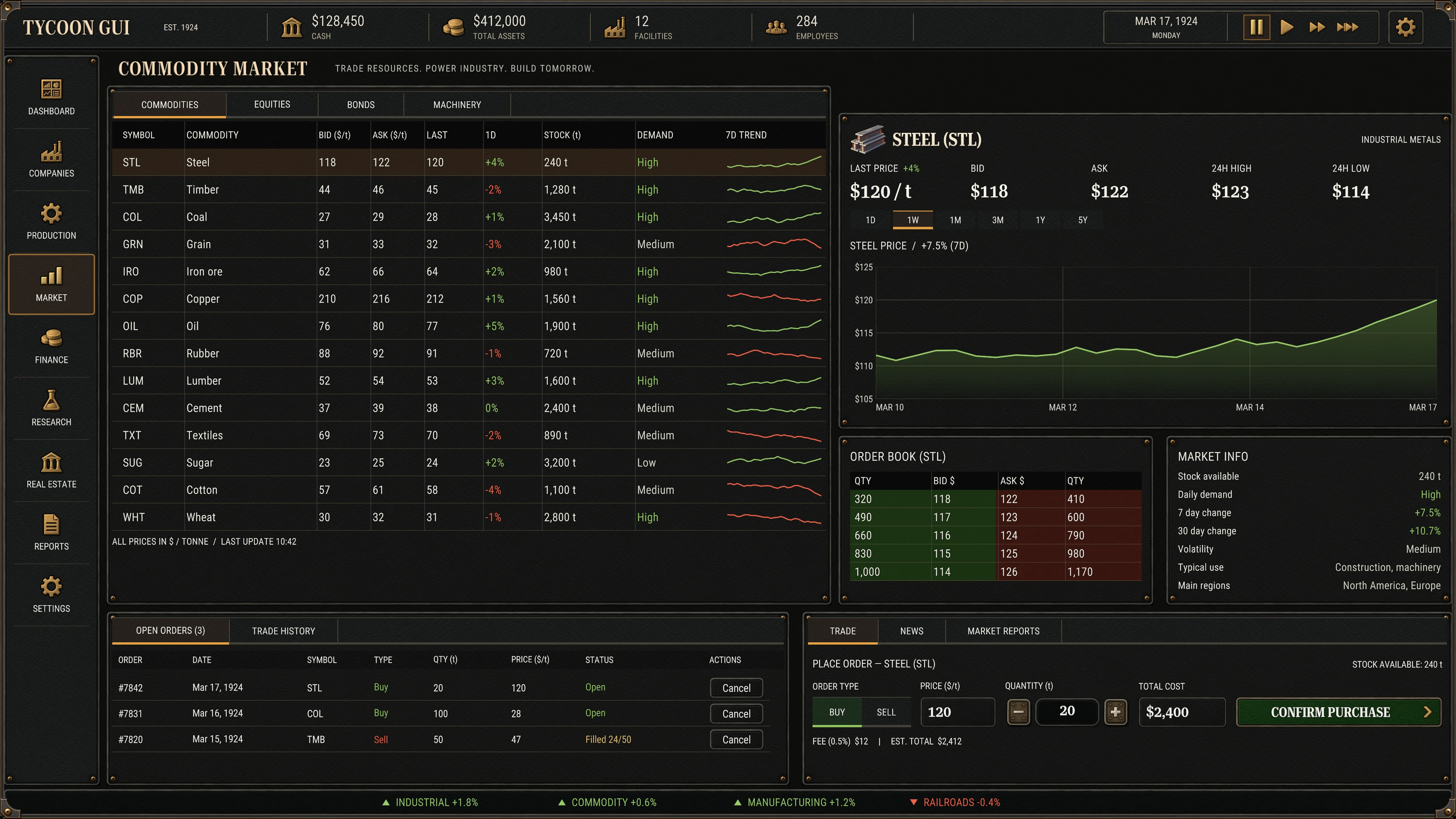
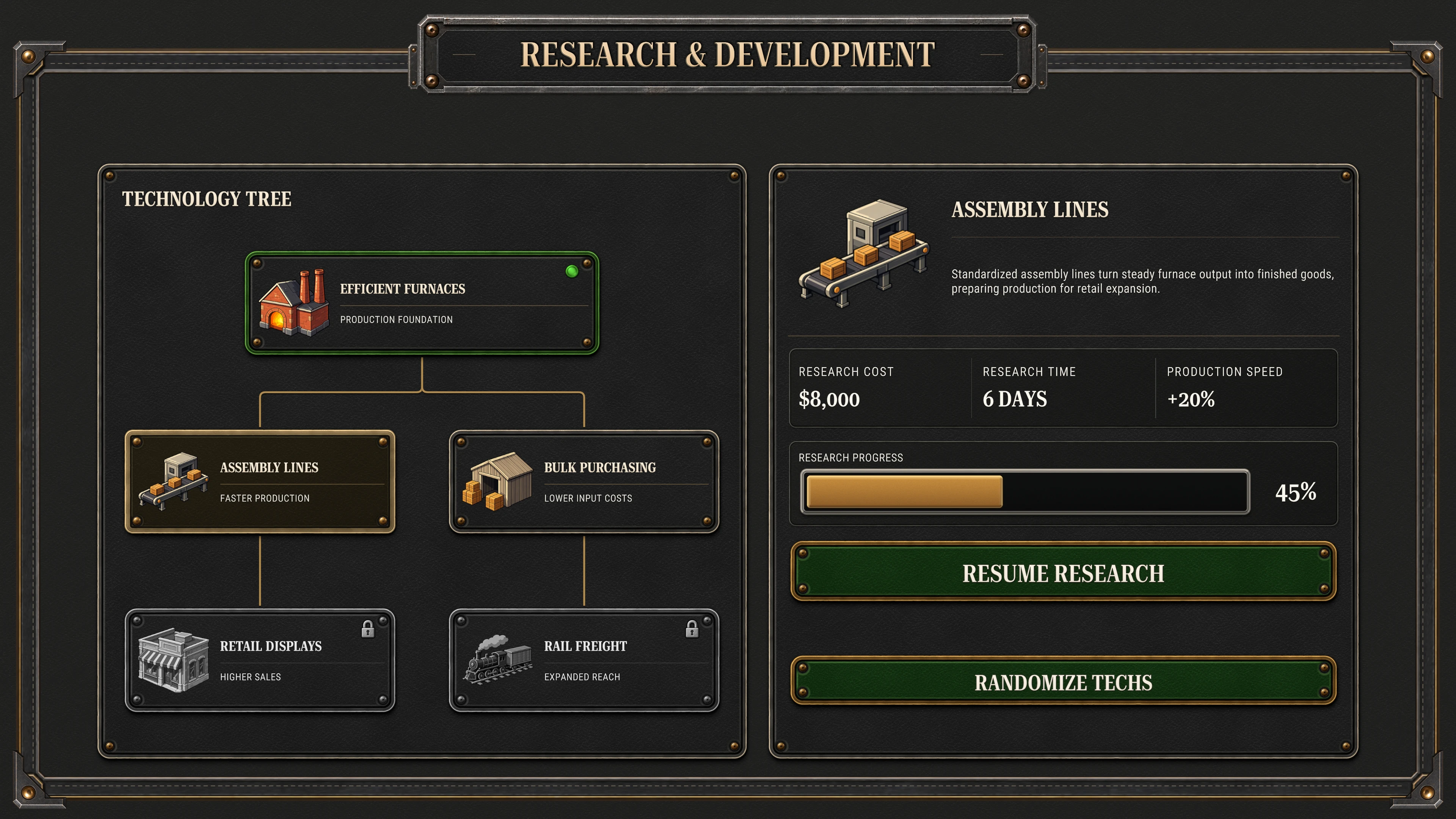
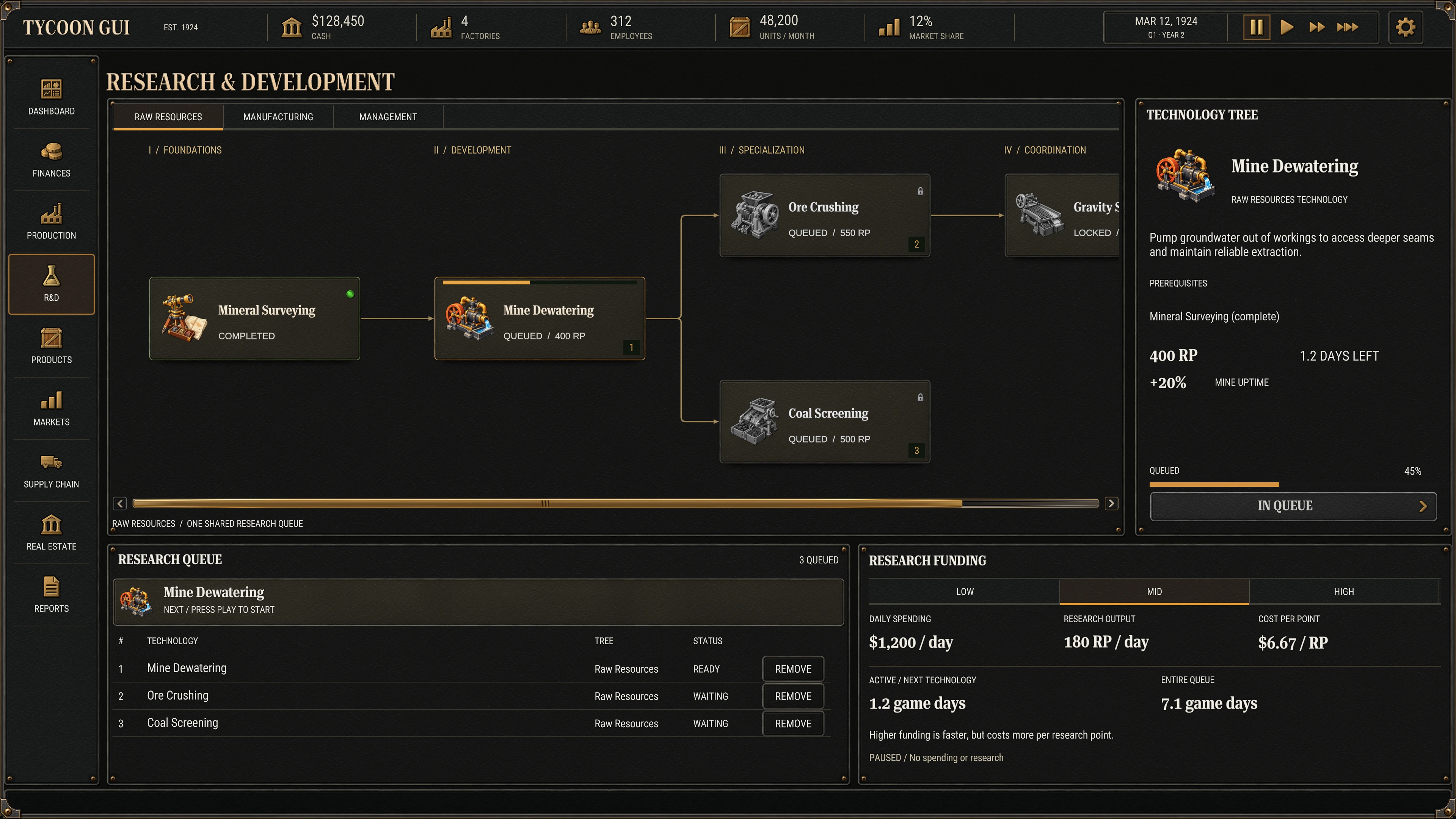
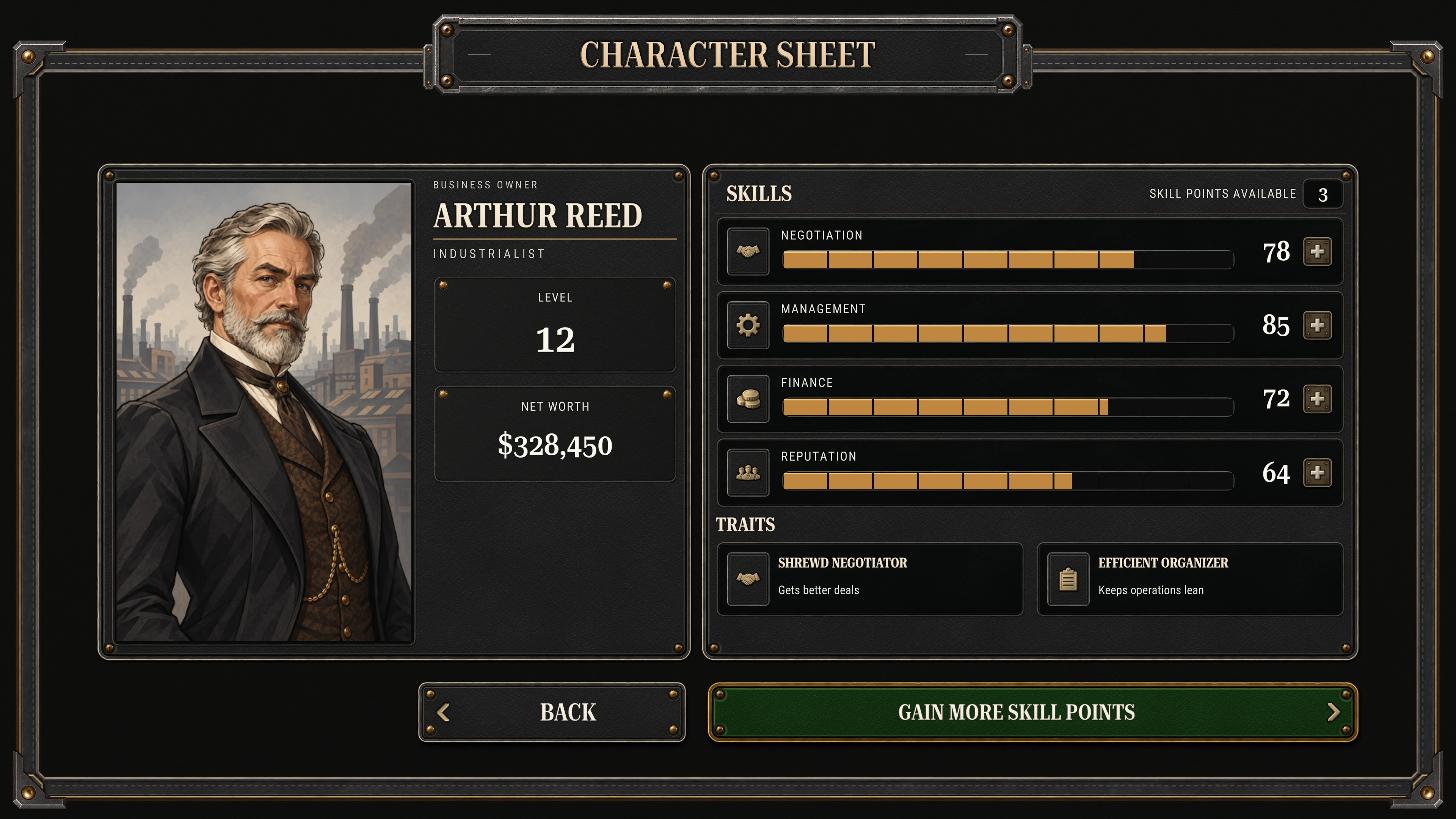
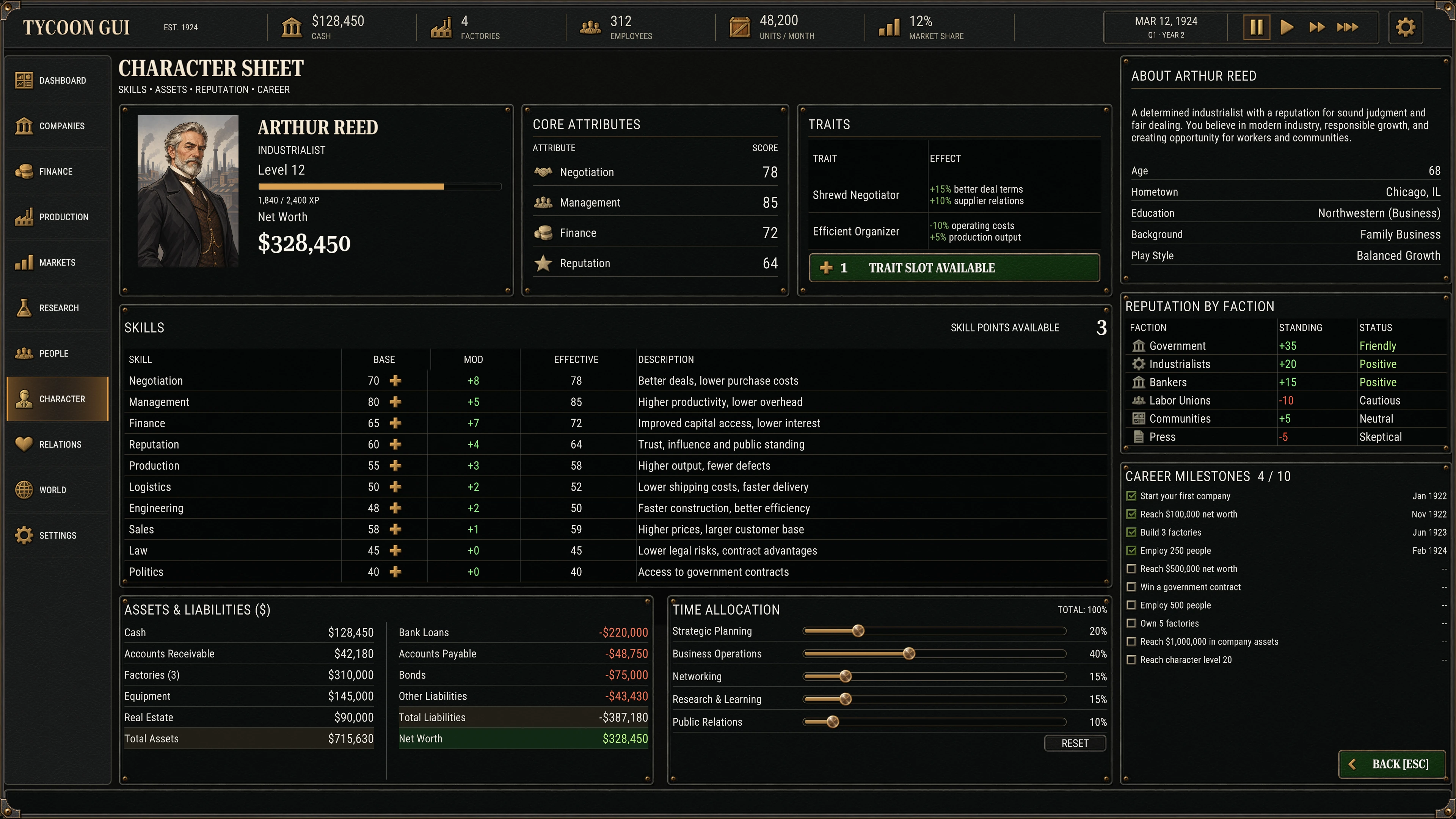
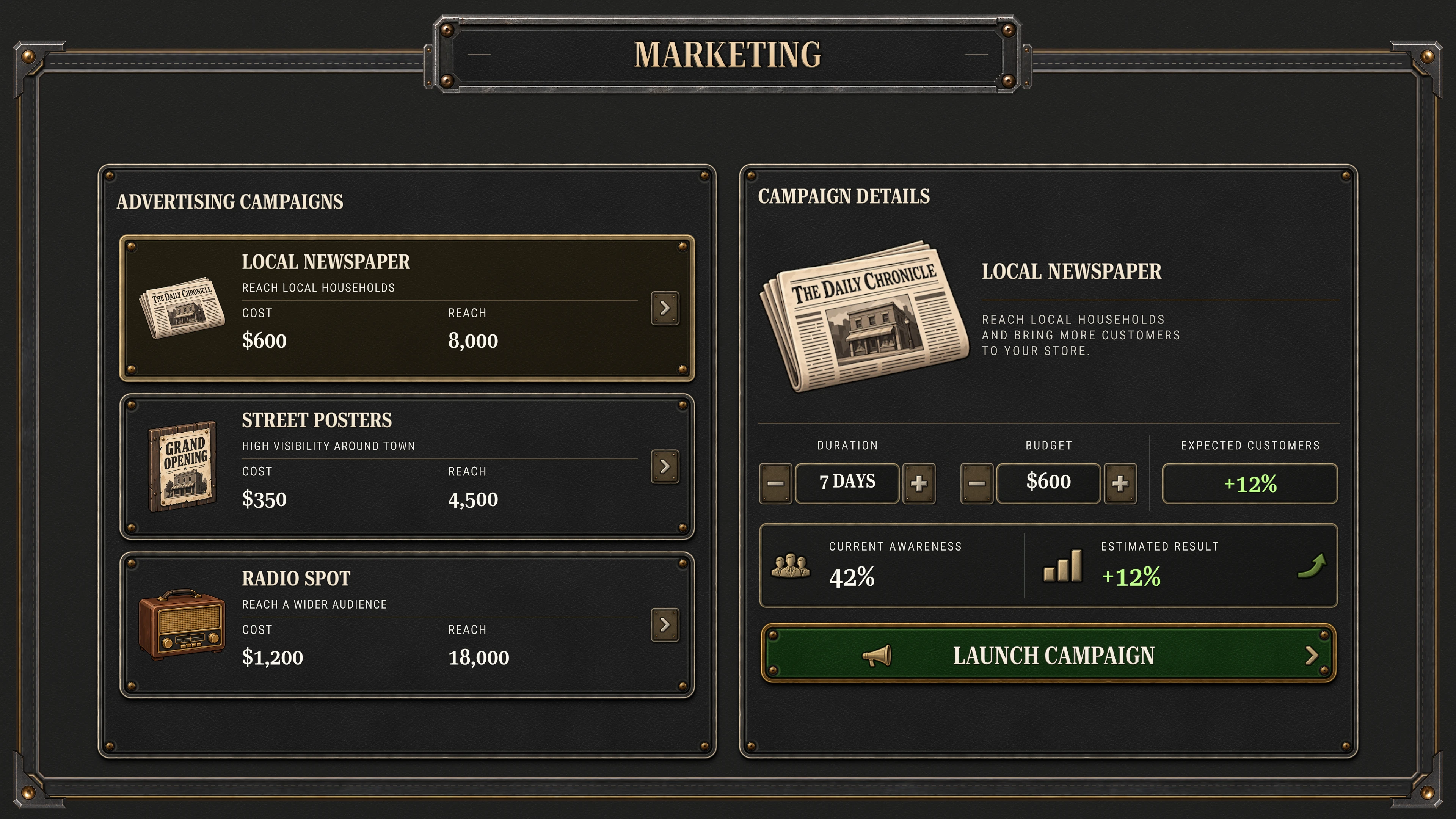
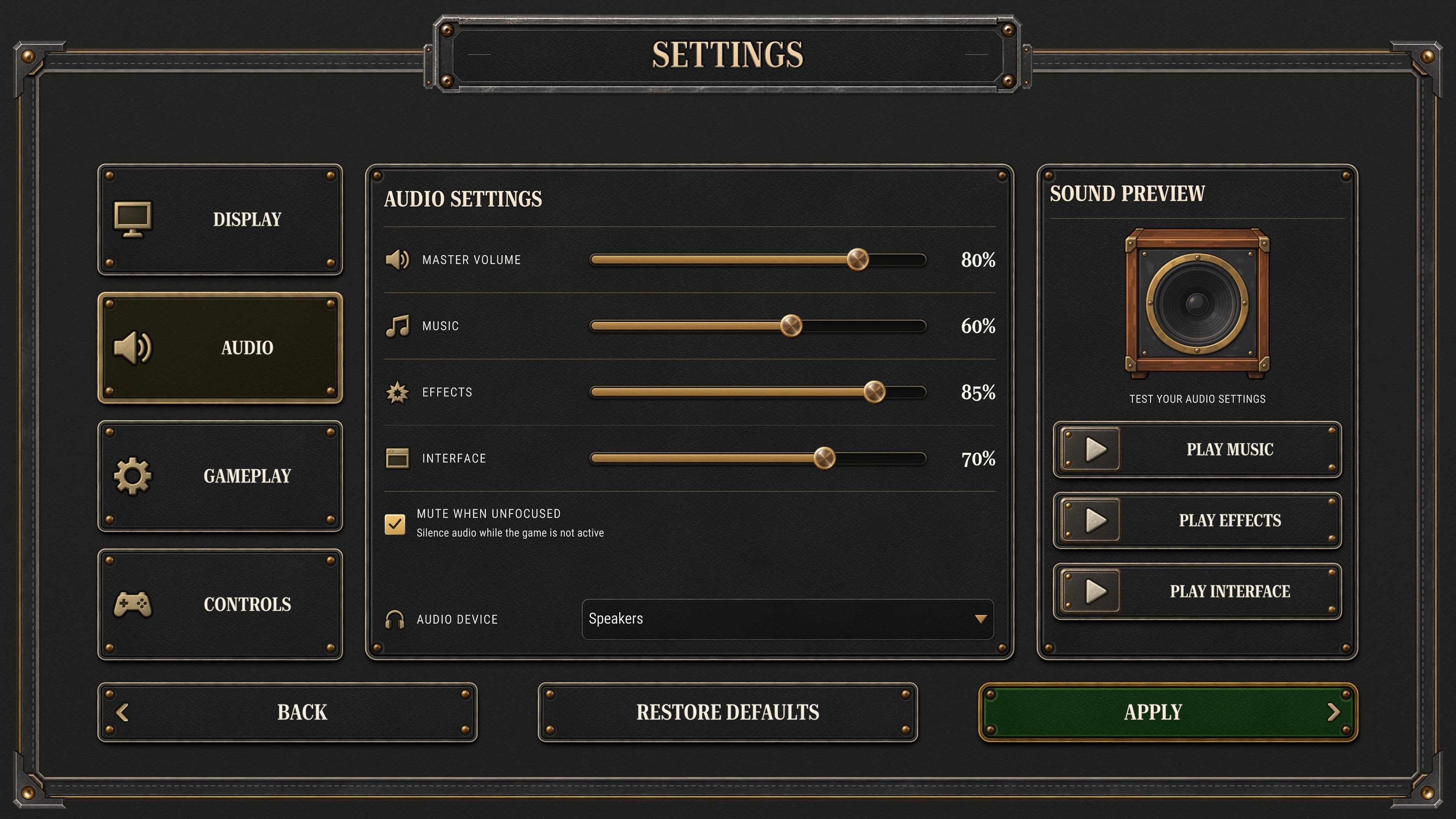
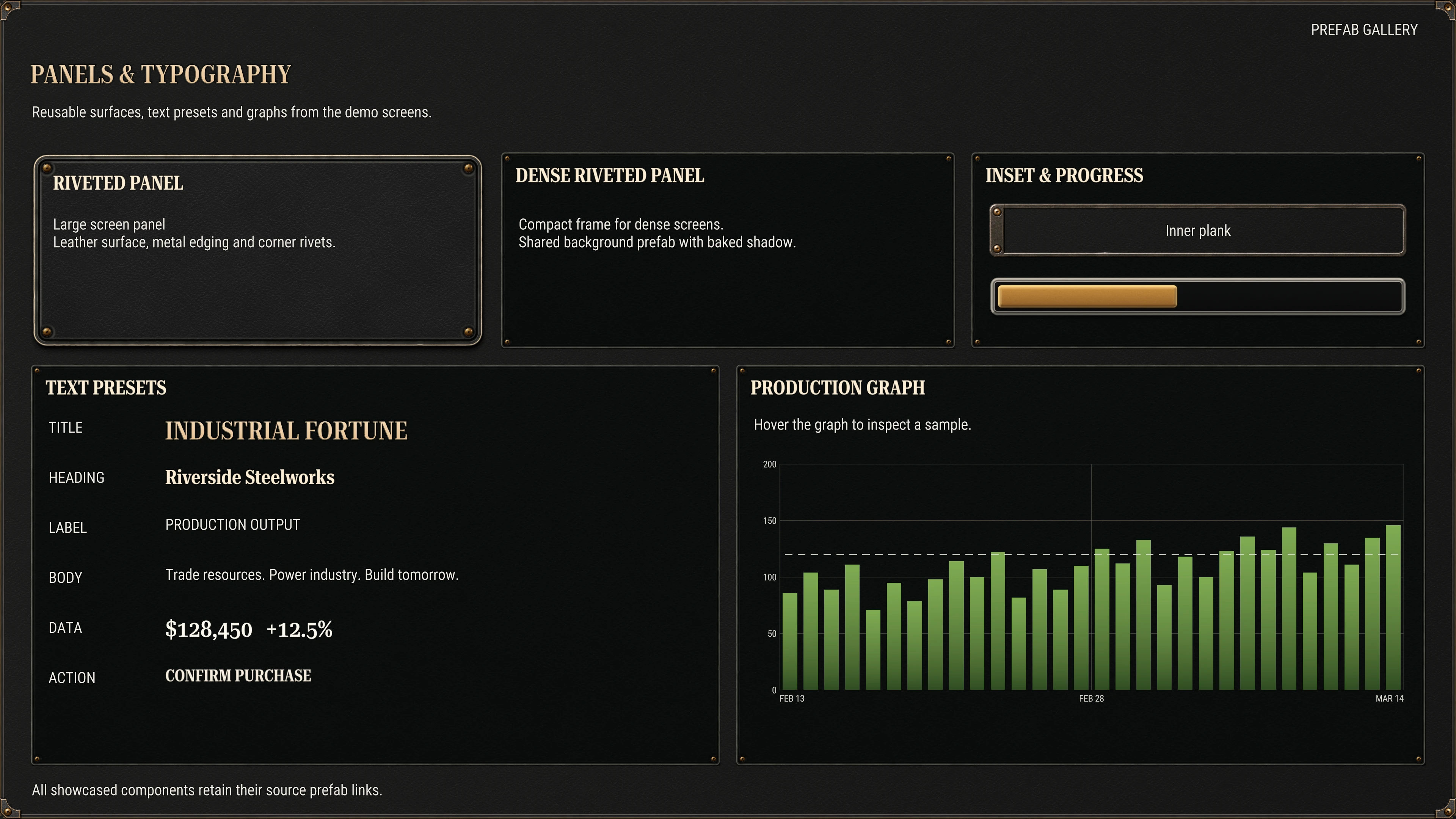
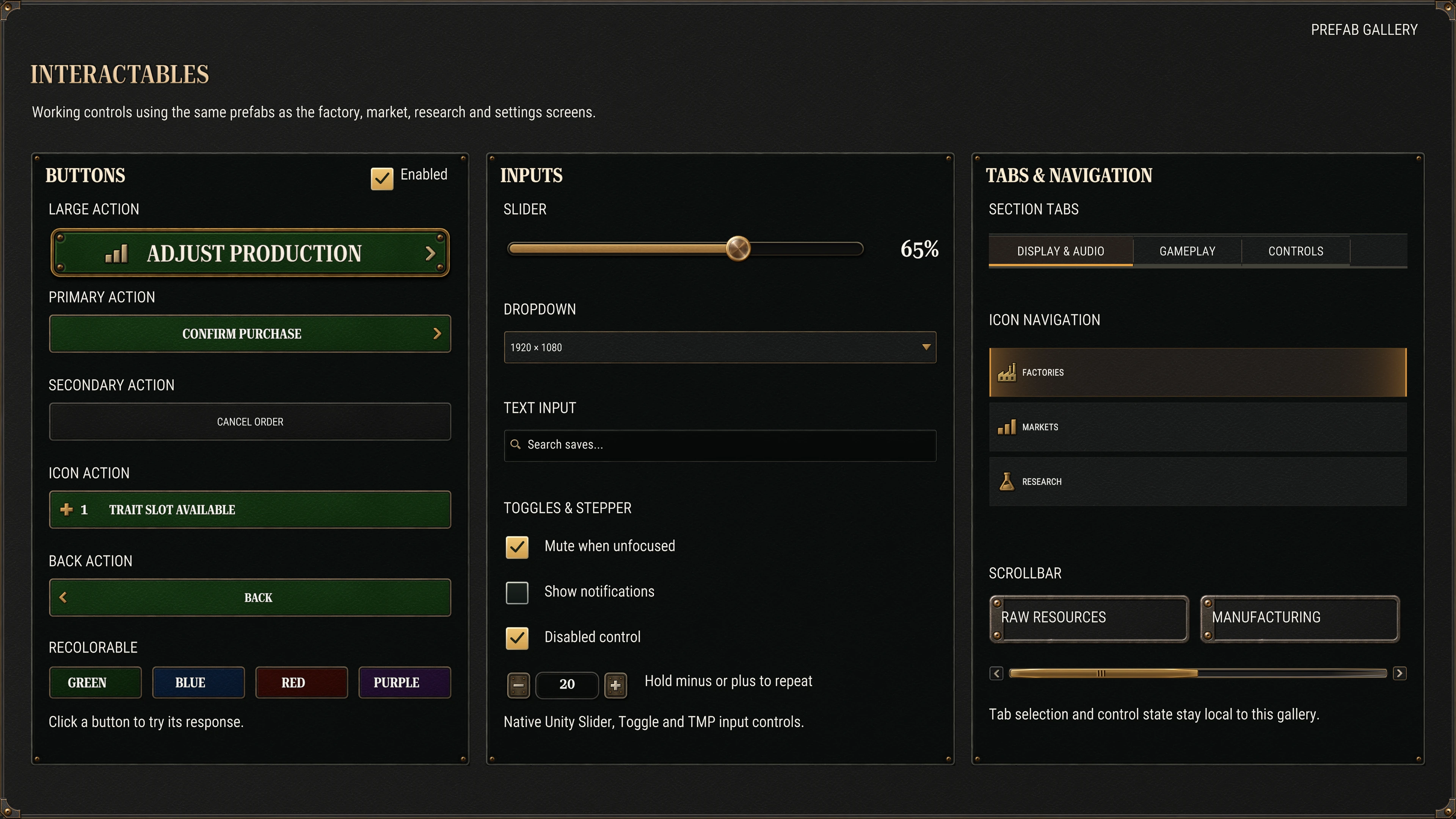
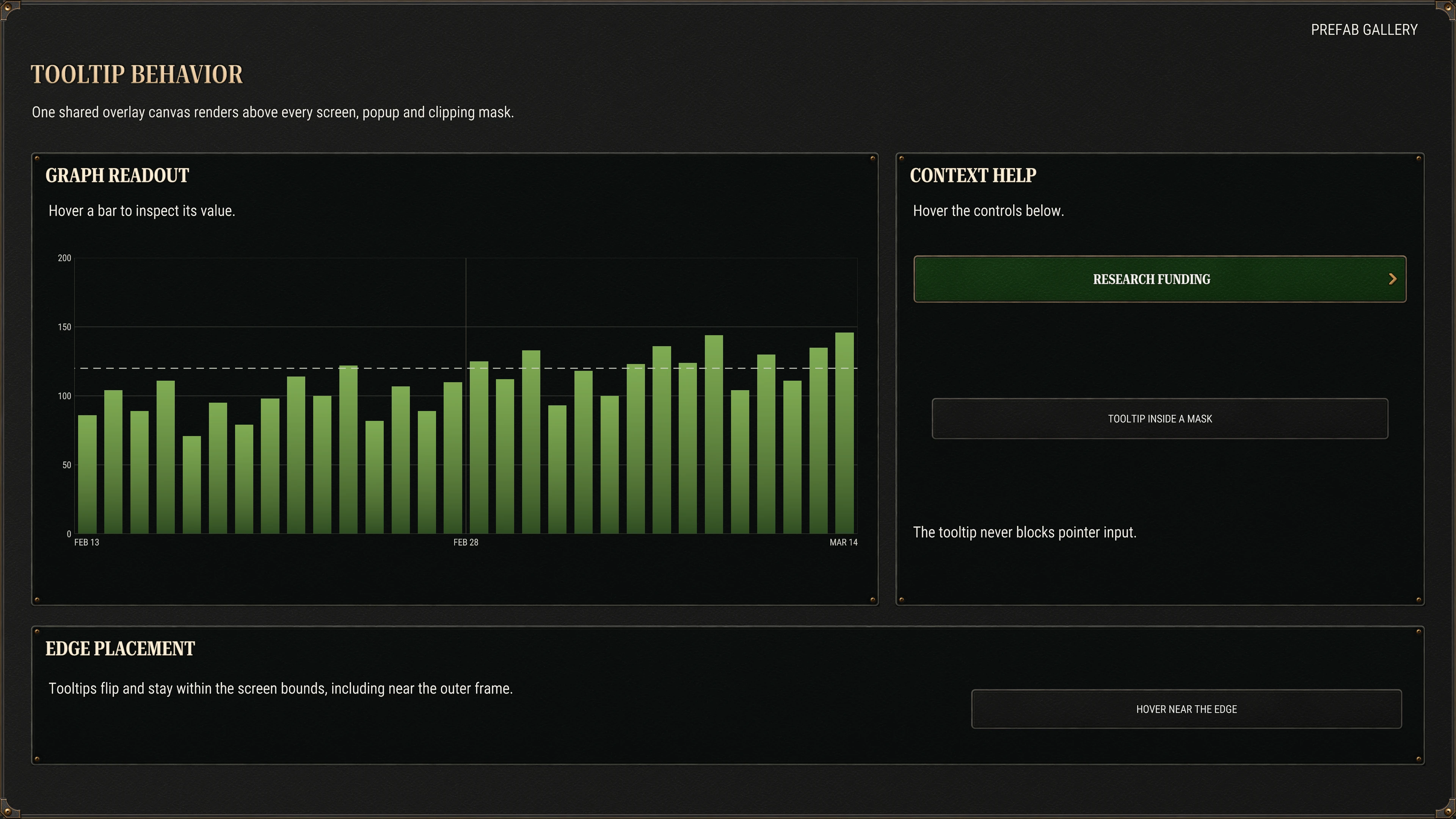
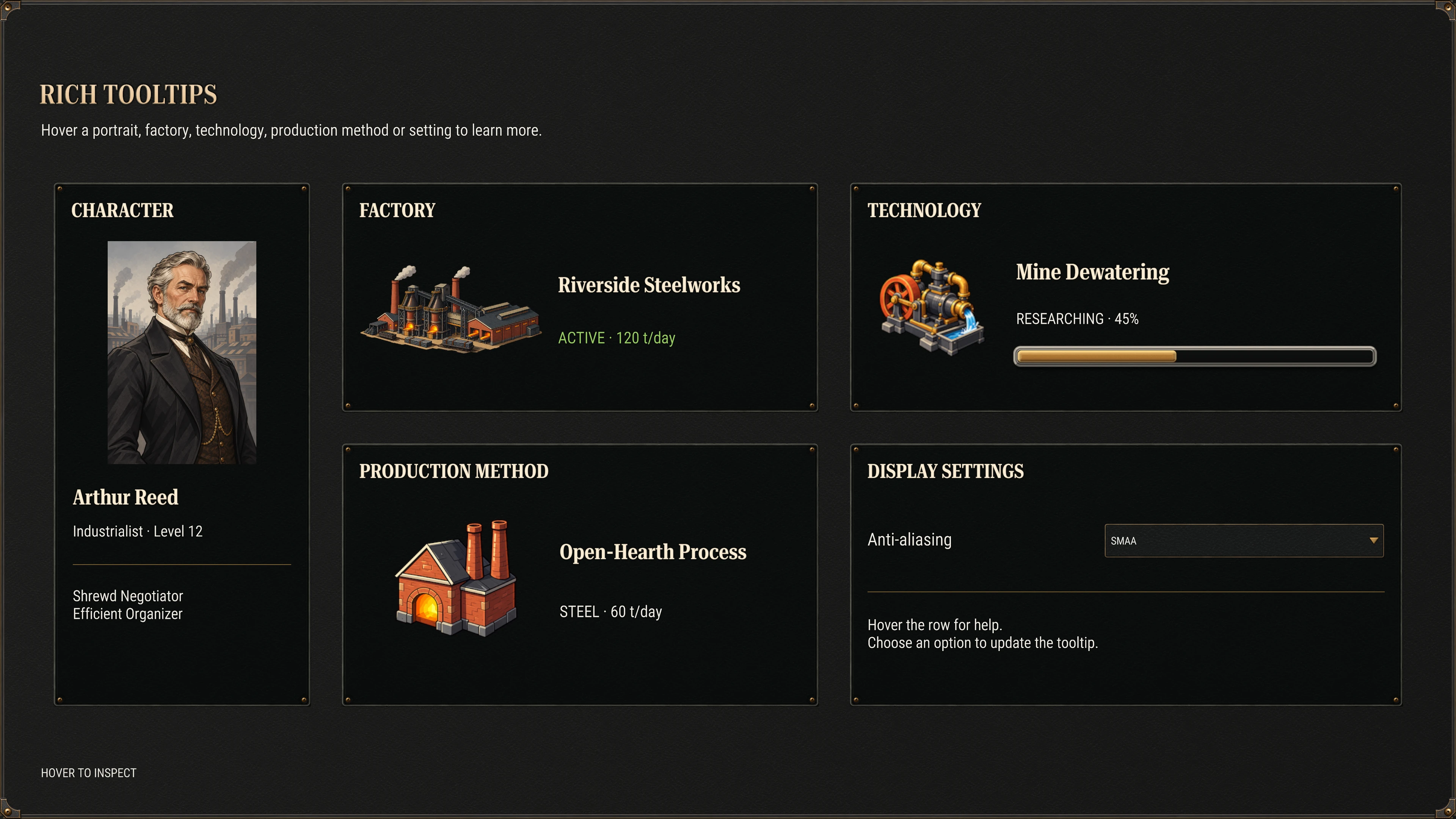
Check the UI pack in the WebGL demo.
Explore the WebGL demo ↗What is included
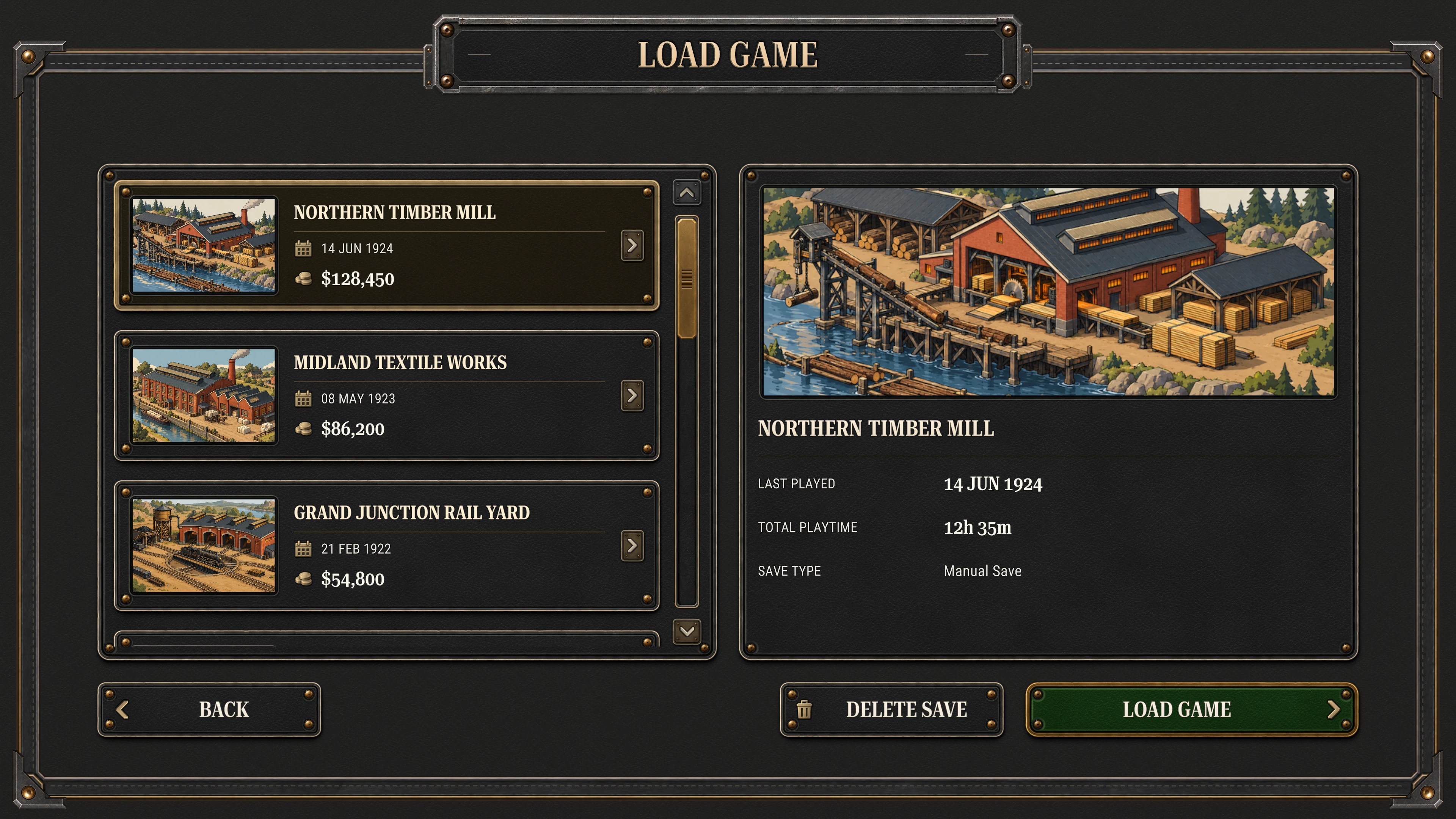
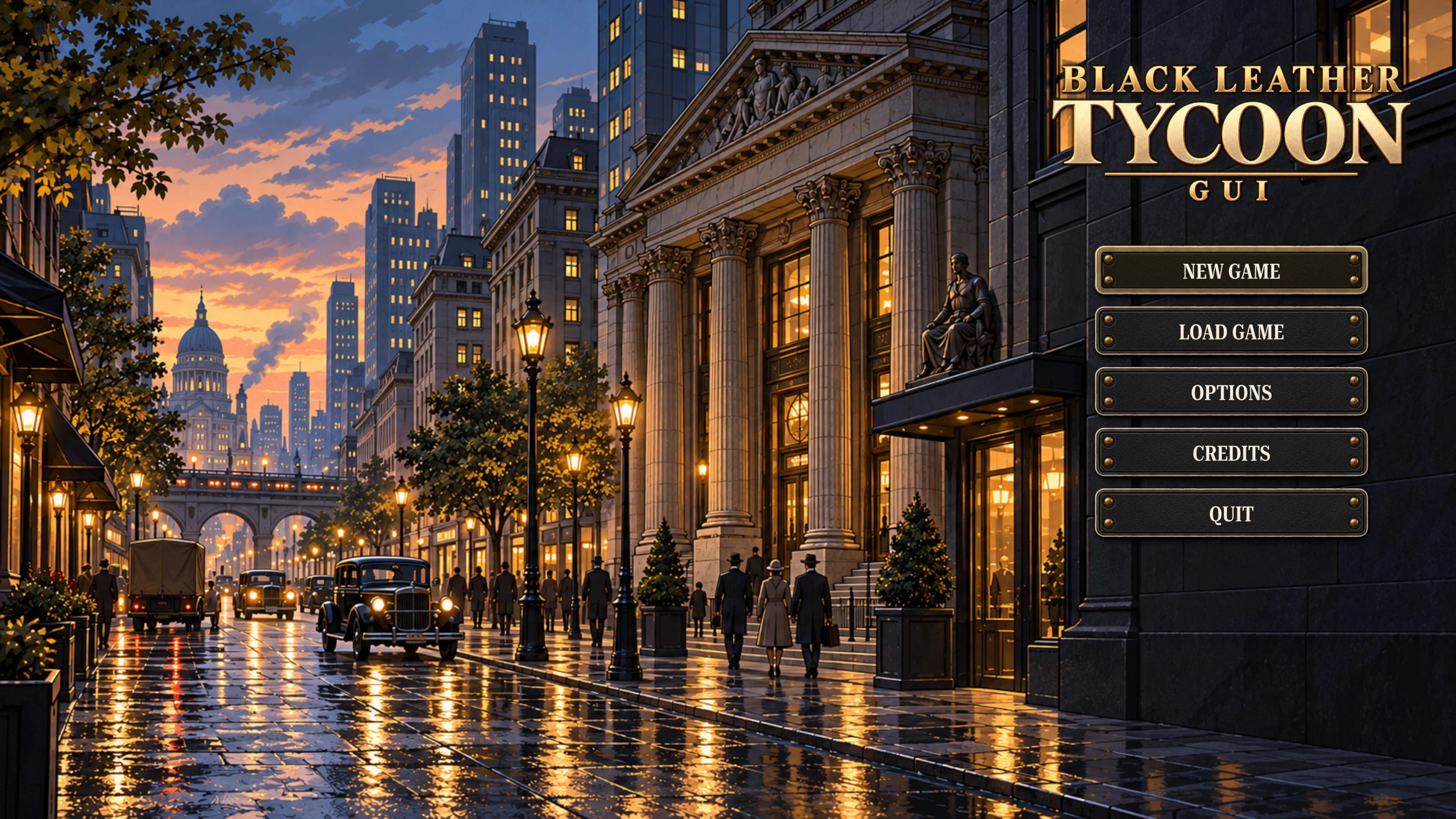
- 15 screen layouts plus four component galleries, with 19 standalone demo scenes and a Demo Hub.
- Factory, Market, Research, Character, Settings and Load Game in Large and Dense layouts; Marketing and Main Menu in Large; Factory Town in Dense.
- Ready-to-use prefabs: panels, interactables, components, sections, graphs, text styles, tooltips and screens.
- 115 icons in Simple, Gold Tinted and Options sets; 196 industrial-era illustrations.
- Custom uGUI shaders and materials, pre-baked soft shadows, and a shadow-baking editor tool.
- TextMesh Pro presets and four font families: Roboto Serif, Roboto Condensed, Crimson Pro and Liberation Sans, under the SIL Open Font License.
- CC0 UI sounds, Unity texture labels, assembly definitions, README, component guides, and script and shader references.
Requirements and integration notes
- Unity 6 (6000.0) or newer, uGUI and TextMesh Pro. Import TMP Essential Resources when prompted.
- Built-in Render Pipeline, URP and HDRP. In HDRP, use Screen Space – Overlay to avoid post-processing affecting the UI.
- Supports the Input Manager or the Input System. The Input System package is optional.
- Buttons and tabs support mouse and touch. They are not Unity Selectables; keyboard and gamepad navigation is not set up.
- Demo shortcuts: Page Up / Page Down change screens; F1 hides the navigation. Factory Town uses Space to pause, 1–6 to select tools, and Escape to dismiss windows.
- The browser demo is best explored on a desktop or laptop. Fullscreen gives dense screens more room.